It's not easy keeping a resolution every year, which is why you might want to consider doing a 365 Project challenge [1] instead. The challenge, which first revolved around taking a photo every day but has since evolved into taking a video or Boomerang, is an incredible way to document your year and keep to a goal that is all about your life. Sometimes, we all get caught up in the day-to-day stress of our lives and forget to remember what there is to be grateful for [2]. A 365 Project can help bring more joy into your life and make you try to see something special in the everyday.
Convinced yet? Take a look ahead at apps that will help you achieve the 365 Project goal and make 2017 a year you won't forget.
Photo 365 ($2)

See your photos in a beautiful calendar view with Photo 365. Your photos will fill up the months, making sure you don't miss a single day. The app also supports iCloud syncing, so you never lose a photo across any iOS device.
Available on iOS [6]
VSCO (free)
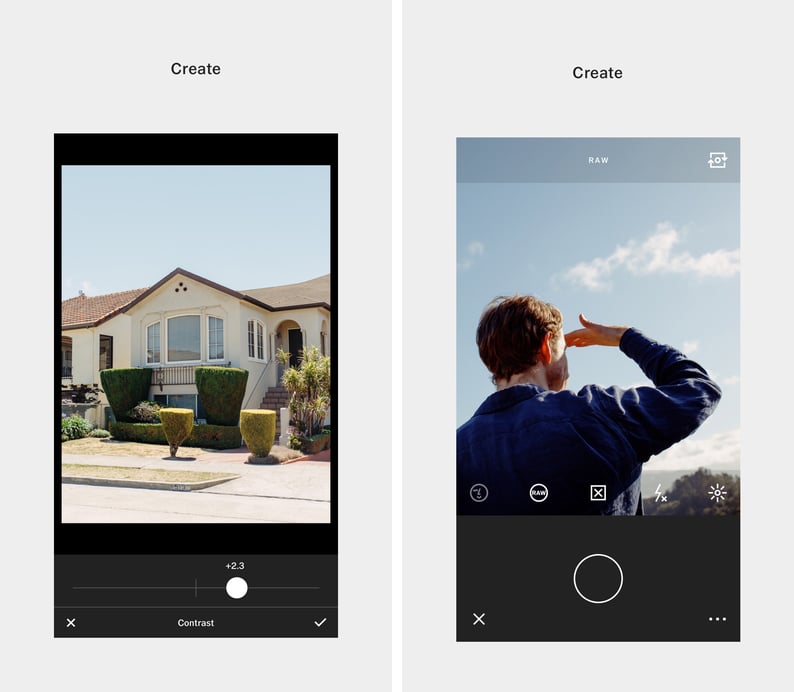
Edit your photos and apply one of the incredible filters VSCO has to offer. If you don't like Instagram, you can join the VSCO community and publish your 365 photos there instead.
Available on iOS [7] and Android [8]
Snapseed (free)
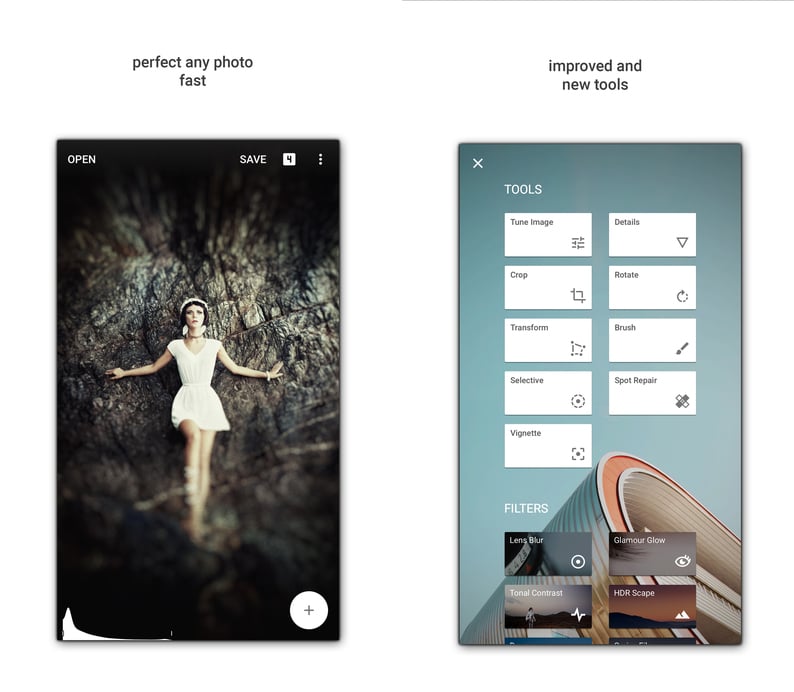
If you want even more control in editing and fixing a 365 photo, download Snapseed. You can crop, fix the exposure, add a bokeh effect, and more.
Available on iOS [9] and Android [10]
Boomerang (free)
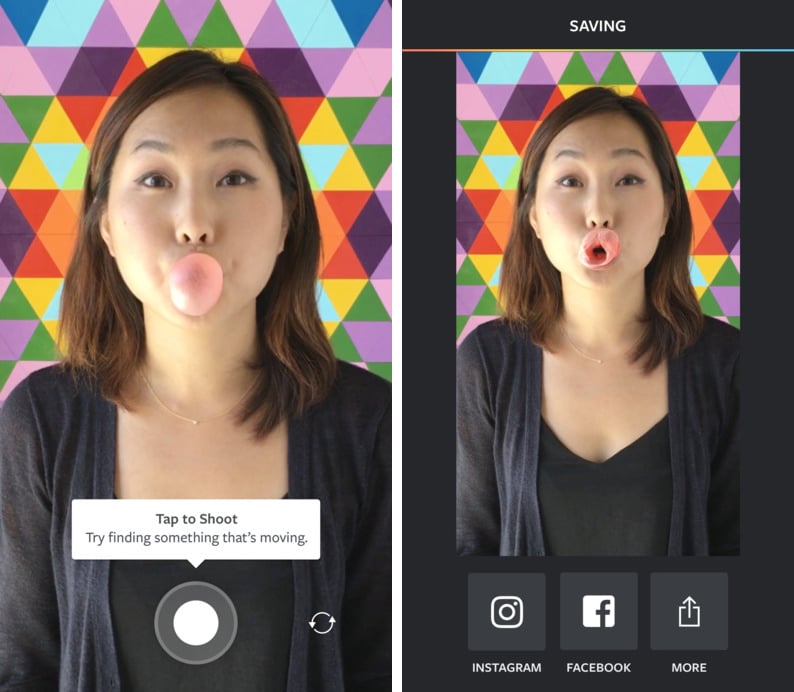
Want to try the 365 challenge with a different format? Download Boomerang to create GIFs every day, instead of a regular photo. You can even upload Boomerangs to your Instagram stories [11]!
Available on iOS [12] and Android [13]
1 Second Everyday ($5)
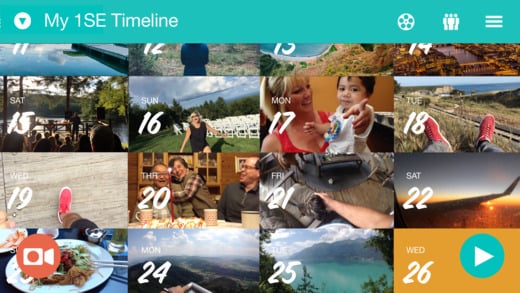
Not into photos or GIFs? Try taking a short video every day with 1 Second Everyday: Video Diary. Take a short video and then edit the clip to the moment you want to keep. You can also turn these videos into GIFs and quickly share them on Instagram.
Available on iOS [14] and Android [15]
Google Photos (free)

Don't lose a single photo you take (even the ones you don't use for your 365) with Google Photos. This app offers so many features [16] like unlimited storage and automatically creating collages, animations, and videos from your photos.
Available on iOS [17] and Android [18]
Instagram (free)

If you don't want to upload a single photo into the same album every day on Facebook, download Instagram instead. You can edit your photos, apply a filter, and post it without any hassle. The app also has plenty of new features like live video, Instagram stories, and disappearing photos and videos to send to your friends.
Available on iOS [19] and Android [20]