Chances are, you enjoy being productive and organizing your life — well, as much as you possibly can. If you use Google Chrome at all, you're going to find that there's a whole world of extensions meant to help make life a little easier to manage. We've narrowed it down the best ones that will give your browser window more awesome functions. Of course, there are also a few on this list that will make the 9-to-5 workday much happier.
Get to your favorite Google apps easily

If you use Google Drive, Maps, or really any Google product, you’re going to wonder how you ever lived without Black Menu for Google [1]. You can just hover your mouse over the extension icon on your browser window and a small list of all the different Google products will appear.
Plan out your day
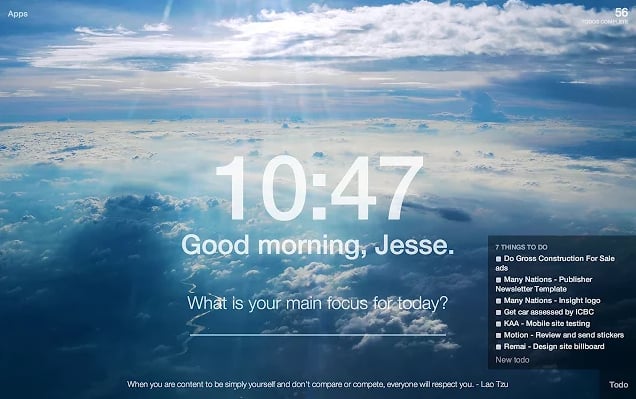
Get some inspiration and a to-do list all on a new tab with Momentum [2]. Every new tab will have a to-do list, a goal, the weather, and a beautiful landscape photo ready to ease you into the day.
Schedule emails
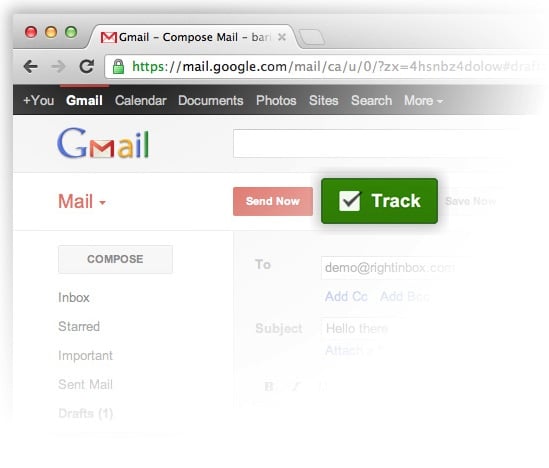
If you’re tied to your email for work but don't want to feel addicted to checking it, use Right Inbox for Gmail [3]. It lets you schedule emails and set reminders so you can stop refreshing your inbox so much.
Save money shopping
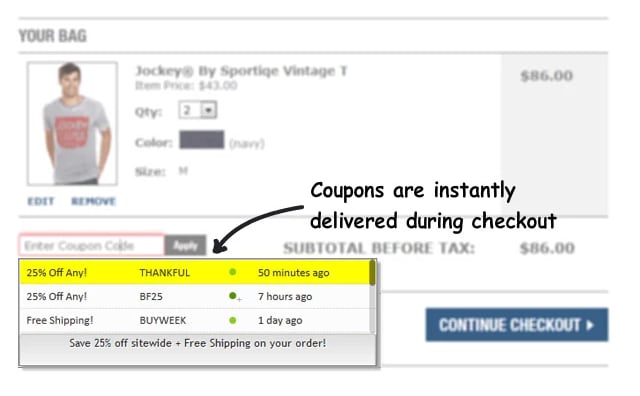
Online shopping will get a little cheaper with Coupons at Checkout [4]. Right when you’re about to check out, the extension will find a relevant coupon online for you.
Pin everything

Calling all pinners: pin your heart out with the Pin It Button [5]. Anything you like on the web, you can easily save to certain boards.
Save things you see online
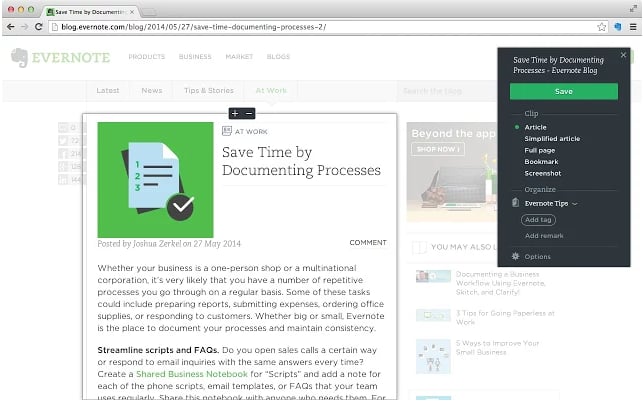
Clip and save web pages with the Evernote Web Clipper [6]. There’s really no end to what you can do with this extension, like annotating a web page, clipping specific images on a page, and even saving certain parts of an email (and the attachments that it comes with).
Search for images on Google
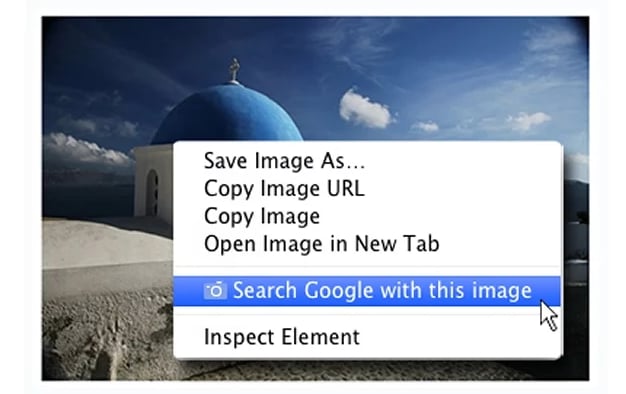
Naturally, Google has made image search much easier with Search by Image [7]. See an image you like and want to know more or see similar ones? Just use the extension and you’ve got it.
Say goodbye to distractions
Get work done faster and distraction-free with Strict Workflow [8]. Perfect for anyone who loves to procrastinate, the extension will make sure you work for 25 minutes straight without ever straying to Facebook before a five-minute break.
Save anything to read later
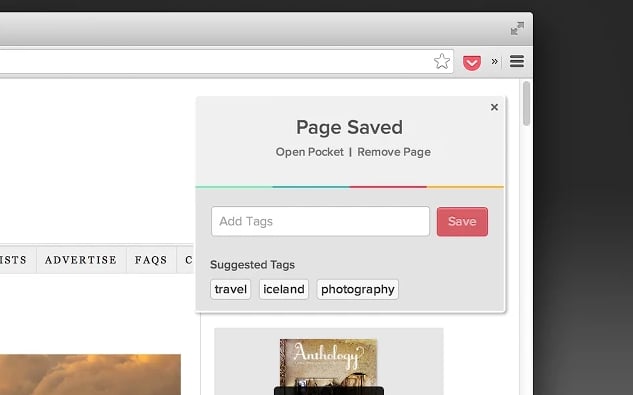
Find yourself distracted at work because of something you want to read? Just use Save to Pocket [9] and you can finally store away anything you want to read at a time that you can.
Attach GIFs
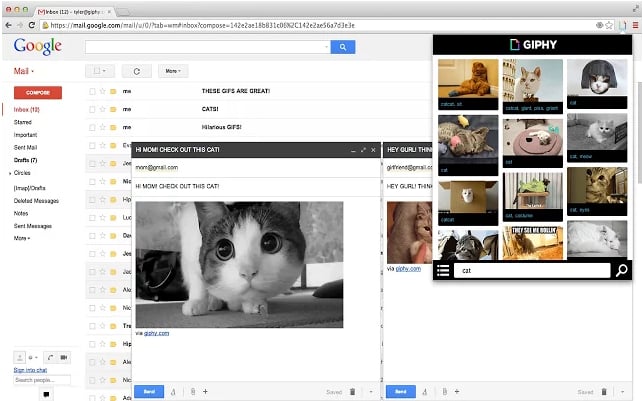
GIFs have become a normal way of communicating with anyone, which is why Search in a Giphy [10] is a wonderful product. Easily look for a GIF and use it in emails and social media.
Shop wisely

There’s no shame in being a serial Amazon shopper, but you can make your purchases more meaningful with Smile Always [11]. This extension will always redirect any regular Amazon page to the charity version page of Amazon, which helps you donate for free.
Gather more sites to read
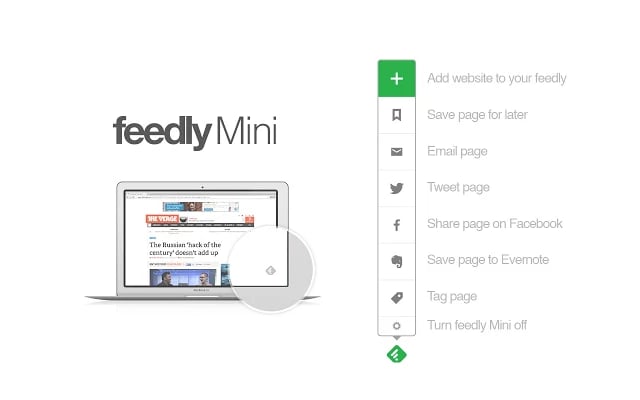
Still a loyal user of an RSS feeder like Feedly? Then download Feedly Mini [12]. If you find a cool website you want to follow for days to come, just use the extension to save it — as well email it or share on social media.
Use your open tabs for charity

If you’re the type to constantly open new tabs, you should definitely use Tab for a Cause [13]. Anytime you open a new tab, you help raise money for charity and accumulate "hearts" that you can also donate to a charity.
See what the weather is
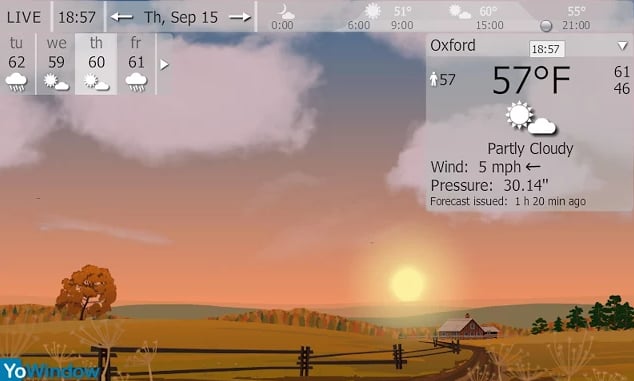
Before you leave for work or anywhere else, YoWindow Weather [14] will tell you exactly the temperature, wind, and humidity levels, plus include a lovely landscape image. Never get caught accidentally in the rain again!
Play with a virtual pet
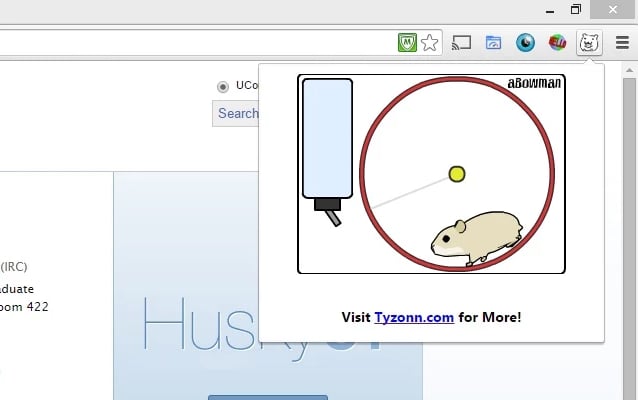
Because life should be fun, especially on the Internet, you need to download the Adorable Hamster Pet [15] extension. You can feed and hang out with the hamster on those days you really need a pal.