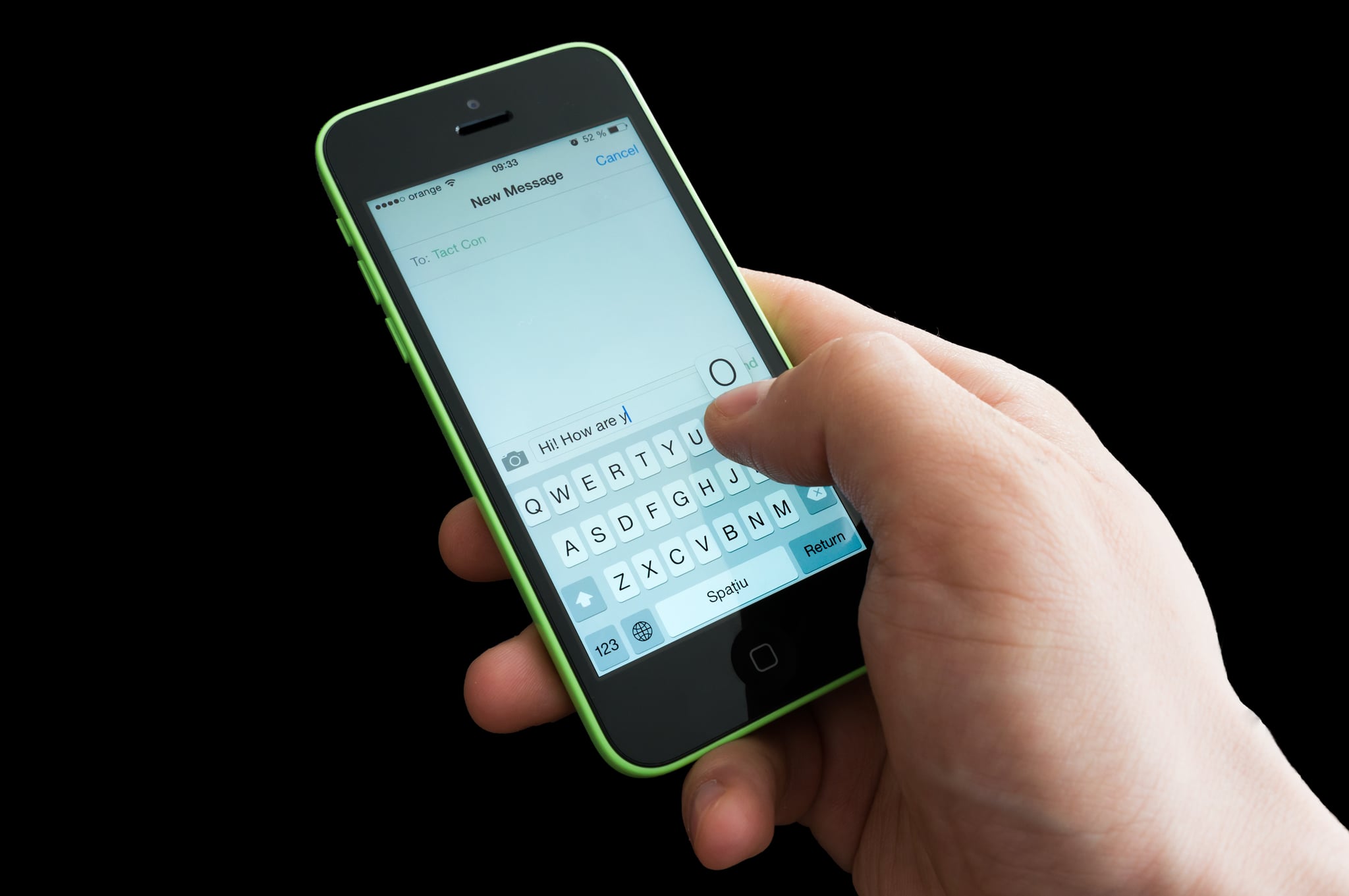
Once upon a time, the biggest pain of switching from iPhone to any other phone out there was having your texts forever trapped in iMessage [1]. Finally, Apple has made it easy to move to a different smartphone without missing a single text: by deregistering iMesage [2].
If you still have your iPhone, go to Settings > Messages and turn iMessage off. If you have already parted with your iPhone, visit Apple's Deregister iMessage [3] page, where you'll enter the phone number to untether from iMessage. Smartphone freedom awaits!