
Let's face it, most of us definitely go down the rabbit hole of searching for ex-friends, -significant others, and more on Instagram. There's no problem in doing this — but if you want to hide what you search from appearing in the search tab, we found a way how.
In the Instagram app, tap on the search tool (the icon that looks like a magnifying glass). At the top, tap into the search bar. Once you're there, select any of the categories: Top, People, Tags, and Places. Choose the specific person or item you want to hide and do a long tap on it. You should get an option to hide it or cancel. Tap hide and you're done!
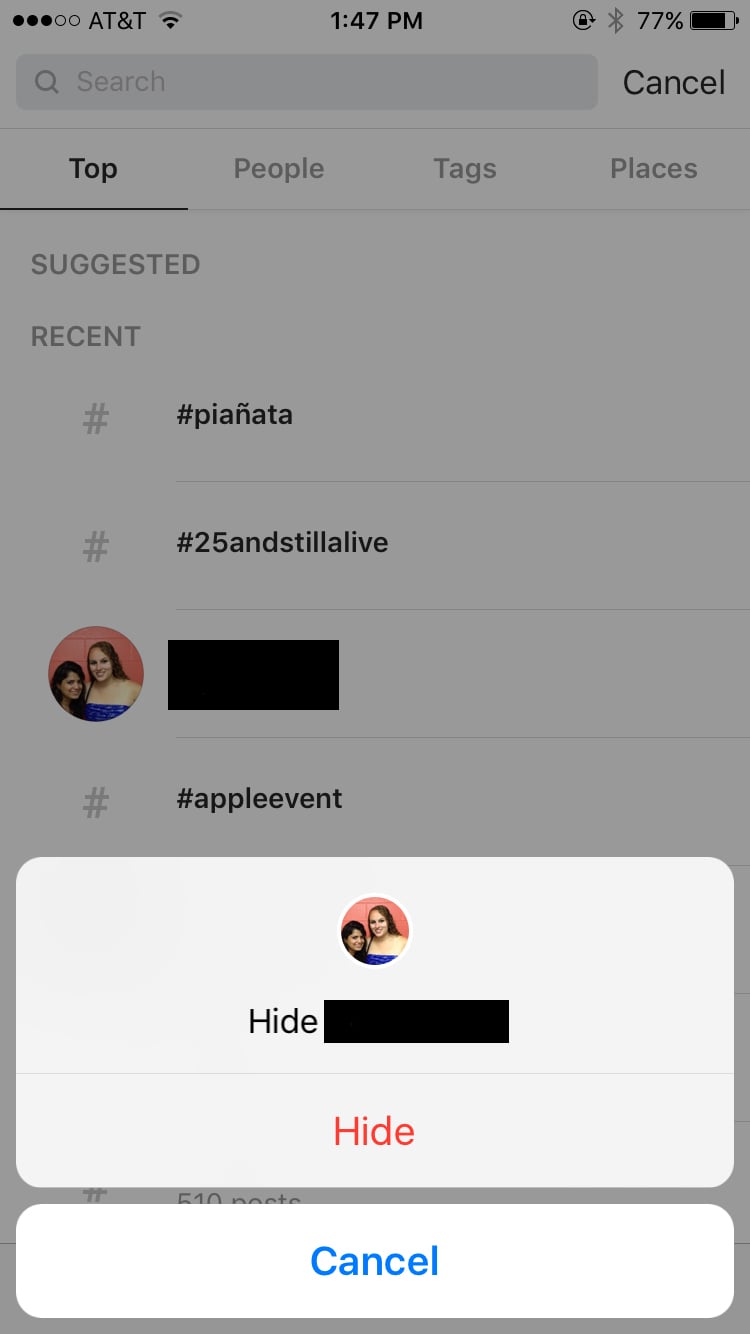
You can't unhide someone so pick carefully, though remember — this isn't like blocking or unfollowing someone.