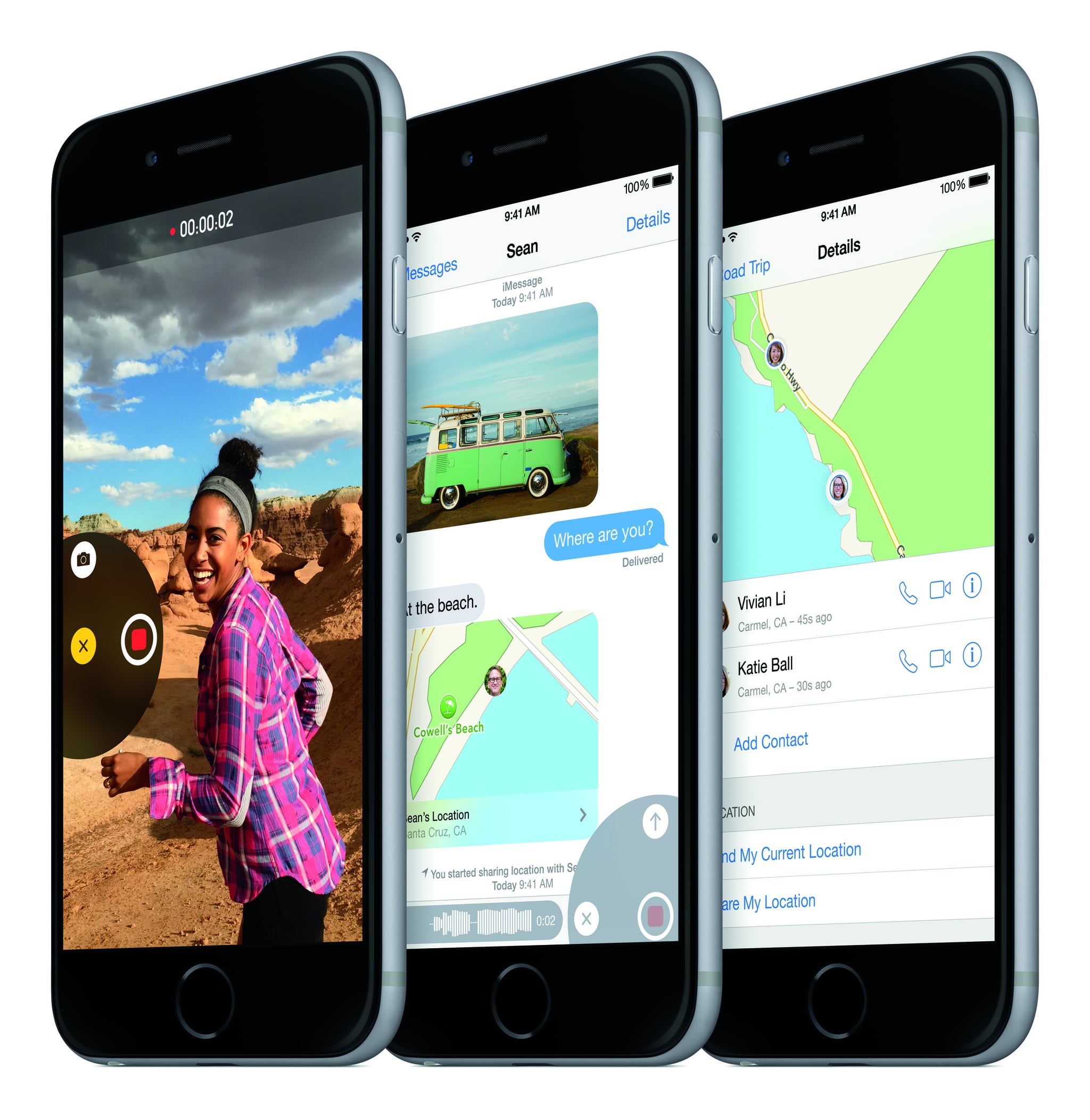
It's here! Apple's new mobile operating system, iOS 8 [1], is out of beta and ready to download. First, back up all your data [2] (you might lose it during the upgrade), then go to Settings > General > Software Update. A faster way to upgrade to iOS 8 is to connect your iPhone, iPad, or iPod Touch to your computer and update through iTunes.
The new software is available for iPhone 4S or newer, iPad 2 or newer, iPad Mini, and iPod Touch 5G. Once you've downloaded the software, here are the 15 tricks you need to know [3] in iOS 8.
iOS 8 update: Just went from 6 to 1 to 2 hours ... So that's good. http://t.co/yOkNrY07SV [4] pic.twitter.com/0DTKqzFU9J [5]
— POPSUGAR Tech (@POPSUGARTech) September 17, 2014 [6]