Scrolling through Instagram and passively "liking" photos [1] is nothing new. We all do it every day and probably forget about the meme we gave a heart "like" to. But as someone who follows travel bloggers or photographers on Instagram, I sometimes "like" something as a bookmarking tool. Whether you do the same or not, we've put together a quick guide on finding photos you've "liked" [2] on the app.
Head to your profile page and tap the gear icon.

Scroll down and tap the "Posts You've Liked" option.
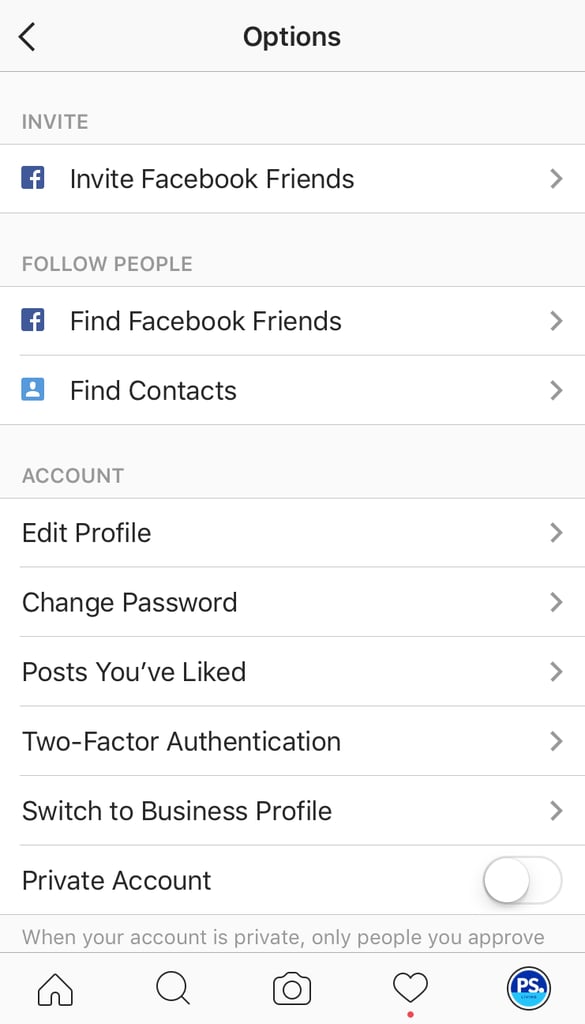
Ta-da! You'll see every photo you've "liked."

This is in grid format.
You can also see all your "likes" in portrait form.

So easy, right? You're set!