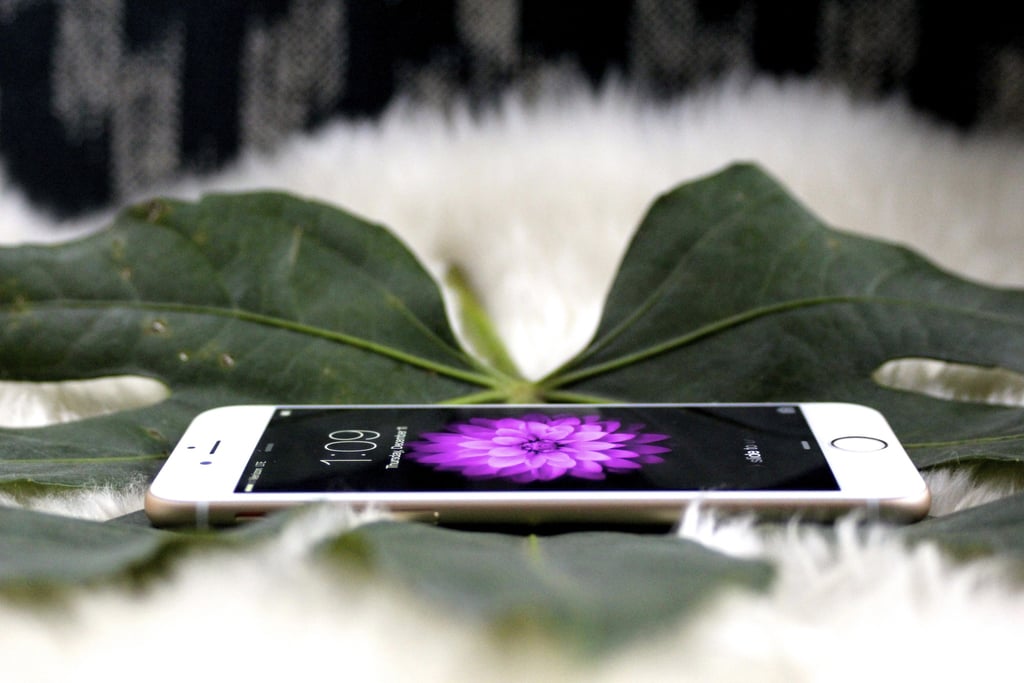
With news about gold MacBooks [1], watches [2] that will change modern society, and even lifesaving medical research [3] that fits in your pocket, the iOS 8.2 software update announced at Apple's Live event yesterday didn't get nearly as much hype.
Available now on iPhones, iPads, and the latest iPod, iOS 8.2 introduces fun new features and fixes some buggy ones but also comes with one annoying update. Here are four reasons to upgrade your Apple device — and the one reason not to.
Why You Should Update
- An Apple Watch companion app will prepare your phone (but not iPad [4]) to sync with the new, wrist-worn devices set to launch in April. This app allows users to organize their devices and connect seamlessly to the Apple Watch.
- Changes made for the development of ResearchKit [5] are used in iOS 8.2 to improve the Health app, which previously suffered from bugs, according to ArsTechnica [6].
- Mail, Music, Maps, and Voiceover have all received stability enhancements [7].
- The update includes a wide range of other bug fixes, including some for Maps and Calendar.
Why You Shouldn't
- Apple announced that the Apple Watch would work with an app on your iPhone. As soon as you update the software, that app comes installed on your phone, whether you have a watch or not. (Which you probably don't, since it's not out to the public till April.) But what's even more annoying is that you can't delete the app [8]. Gah.
How to Update If You Decide To
First, back up all your data [9] (you might lose it during the upgrade), then go to Settings > General > Software Update. A faster way to upgrade to iOS 8.2 is to connect your iPhone, iPad, or iPod Touch to your computer and update through iTunes.
If you insist on updating over the air and don't have enough free space, then this is what you should delete on your phone [10].