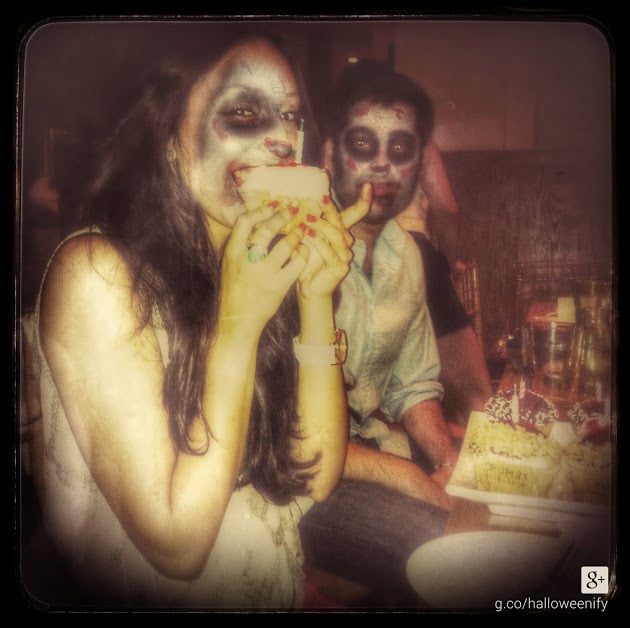
If you can't put together a Halloween [1] costume (although we've got plenty of easy options [2]), just fake it. Thanks to a Google+ "Halloweenify" filter, you can turn your normal photos into a spooky sight that you'll want to post all over social media.
Simply go to Google+ Photos [3] and pick either "Try a fun effect" or "Try a a spooky effect." Then select a photo, and— voilà — the site will apply a Halloween [4] look. Choose the fun effect and you get an animal face paint makeover; choose the creepy effect and you've got yourself a ghostly appearance.
Remember when Google+ did something similar for the World Cup [5]? We can't wait to see what's next — maybe a Grinchmas filter?
Explore all the #Halloweenify [6] fun on Google+, and add your own photos to the mix.