How to Type Accent Marks on an iPhone
The Simple Way to Find and Use Accents on Your iPhone


Image Source: POPSUGAR Photography / Matthew Barnes
As someone who has an accent in her last name, it took me longer than it should've to figure out how to use an accent mark on an iPhone. In case you're like me and wonder how to find accent marks and other symbols on an iPhone and Mac computer, we've got you covered with a step-by-step guide ahead.
While I don't necessarily use them more than emoji or emoticons, accent marks are crucial when you're trying to communicate in a different language or spell something appropriately. Once you're done memorizing how to use this tip like a pro, don't forget to see how to add and use the interrobang.
First, start an iMessage or text message as you normally would.

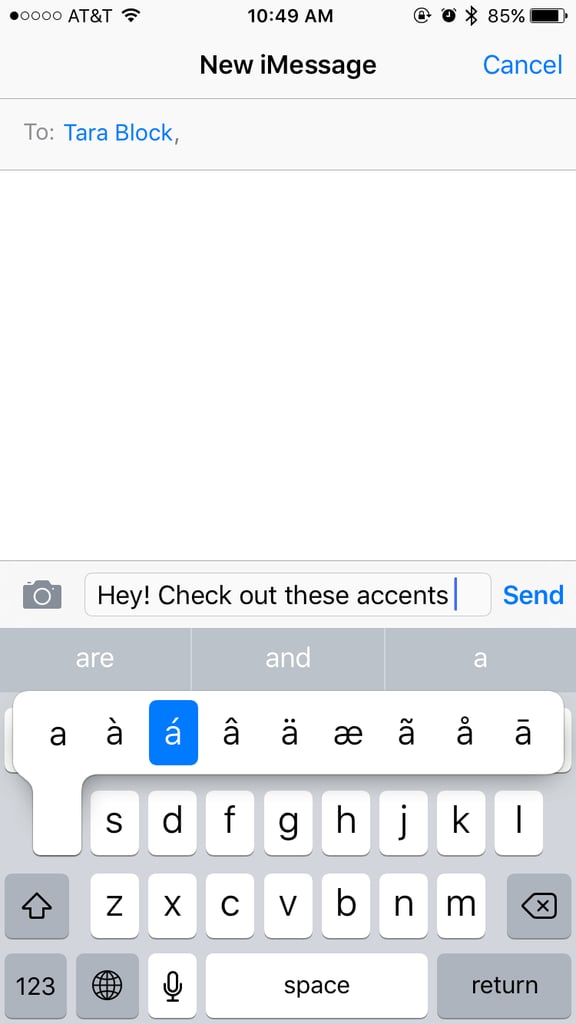
Then, hold down the letter you'd like an accent mark for.
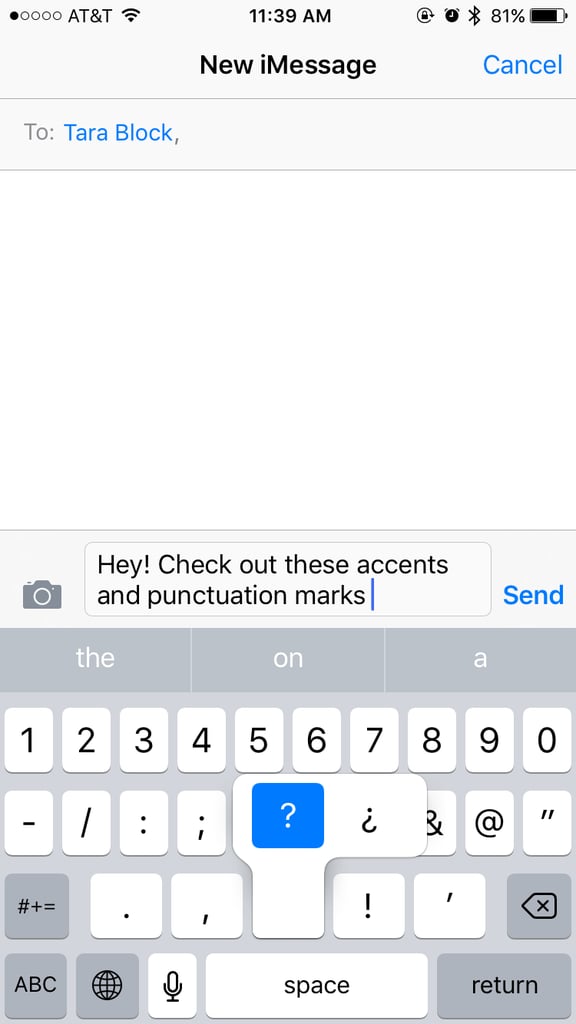
You can also press down on certain symbols to see other ones you can pick from.
You can also use the same trick to get accents on your Mac.

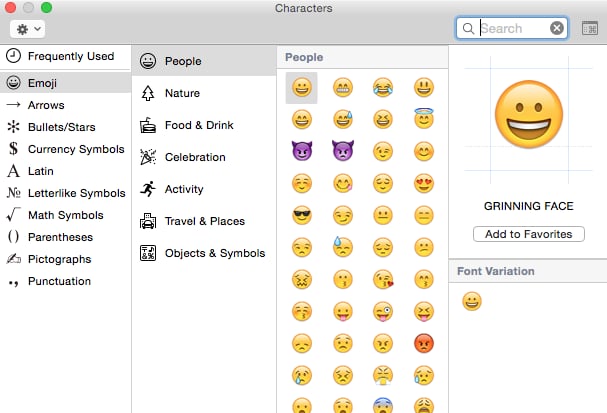
You can also easily use other symbols or emoji on your Mac.