4
You May Also Like
From Our Partners
Now You Know
Latest News
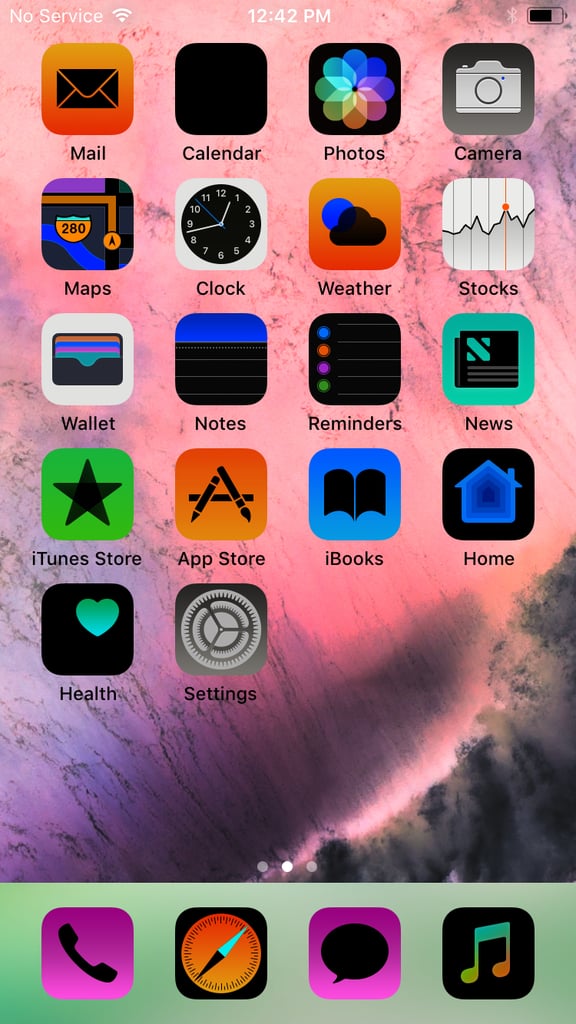
Some people prefer a darker look to their device, and iOS 11 has a new way to let you do that . . . without completely changing how app icons and images look. To get this “dark mode,” go to Settings > General > Accessibility > Display Accommodations > Invert Colors > Smart Invert. The option "Smart Invert" will turn the iPhone into a dark display but keep your wallpaper and photos the same color.