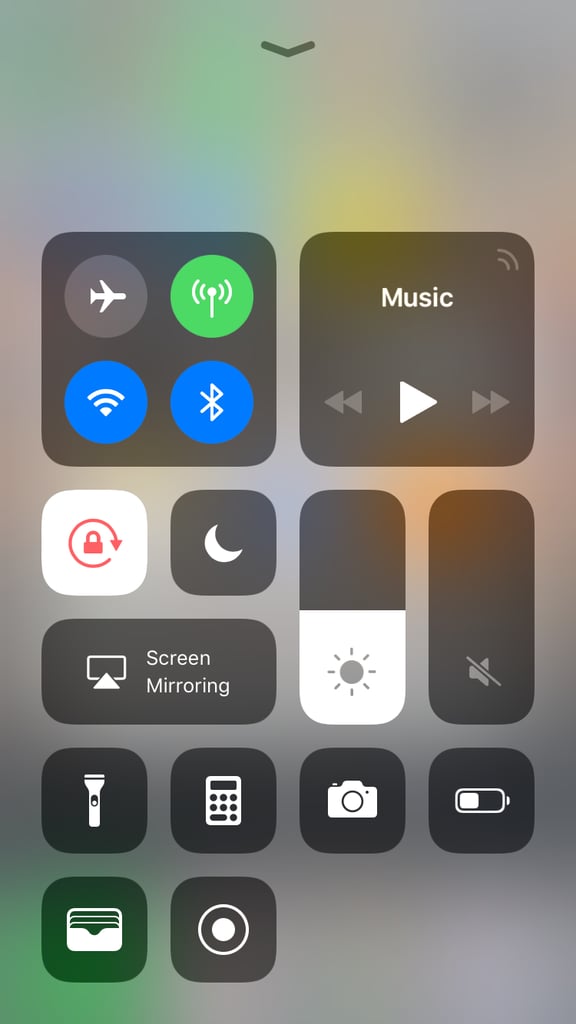
Popsugar Culture Tech Tips How to Use Control Center on iOS 11 This 1 Feature Looks Completely Different on Your iPhone With iOS 11 — and It's Far More Useful, Too June 5, 2018 by Ann-Marie Alcántara First Published: September 20, 2017 View On One Page Photo 2 of 11 ADVERTISEMENT () Start Slideshow Share This Link Copy ← Use Arrow Keys → 2 Once that's set, swipe up from the bottom of your screen to get to it. If you plan on getting the iPhone X, you'll need to swipe from the top right corner of the screen to access Control Center. Previous Next Start Slideshow