How to Start Bullet Journaling
A Step-by-Step Guide to Creating Your First Bullet Journal

6

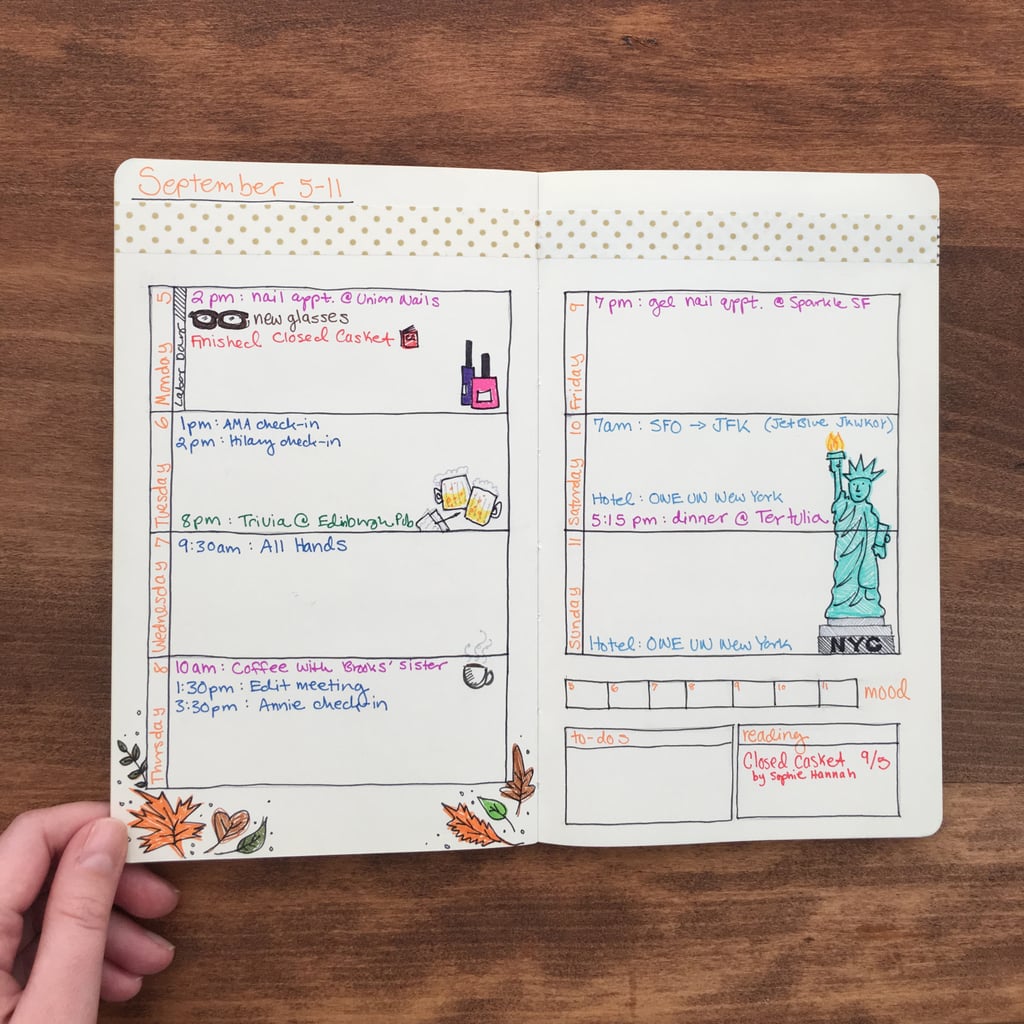
I then used my Google calendar to fill out my schedule. I color-coded each task and appointment to make it easy to see the different categories. So red is for reading, purple is for appointments and reservations, dark blue is for work meetings, light blue is for travel, and green is for fun activities. I also added some more random doodles just to fill it out a bit. Now go forth and try bullet journaling!
Keep reading for some products to get you started!