How to Draw on a Facebook Photo
Here's How to Draw on Your Facebook Photos


Thanks to Snapchat, we've all found ourselves doodling on our photos, adding extra elements like stick figures to amuse ourselves and friends. Now, Facebook also has a similar feature called Doodle, which lets you draw on any photo before posting it.
You can choose different colors and pen sizes, and of course, use any of the other features like cropping or adding stickers or text to the photo before uploading it to Facebook. It might not be as cool as the looping profile video, but it's definitely a new tool that makes Facebook a little more fun to use. You don't need to download an update either — as long as you have a device running iOS or Android, the feature should already be there.
Read ahead to see how to actually use Doodle and then start creating your own masterpieces!
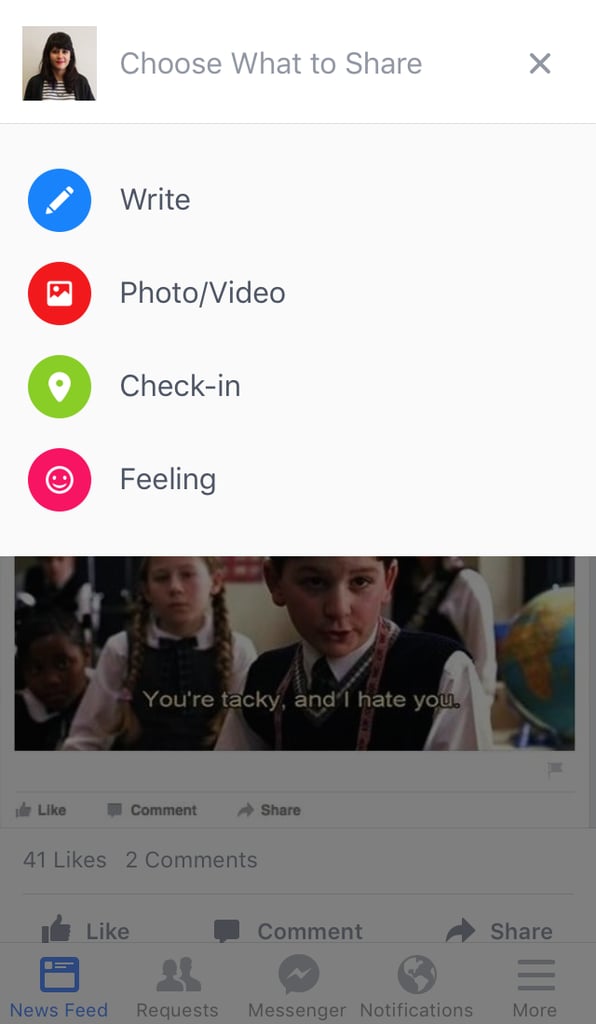
First, open up Facebook and tap on the "What are you up to?" space.
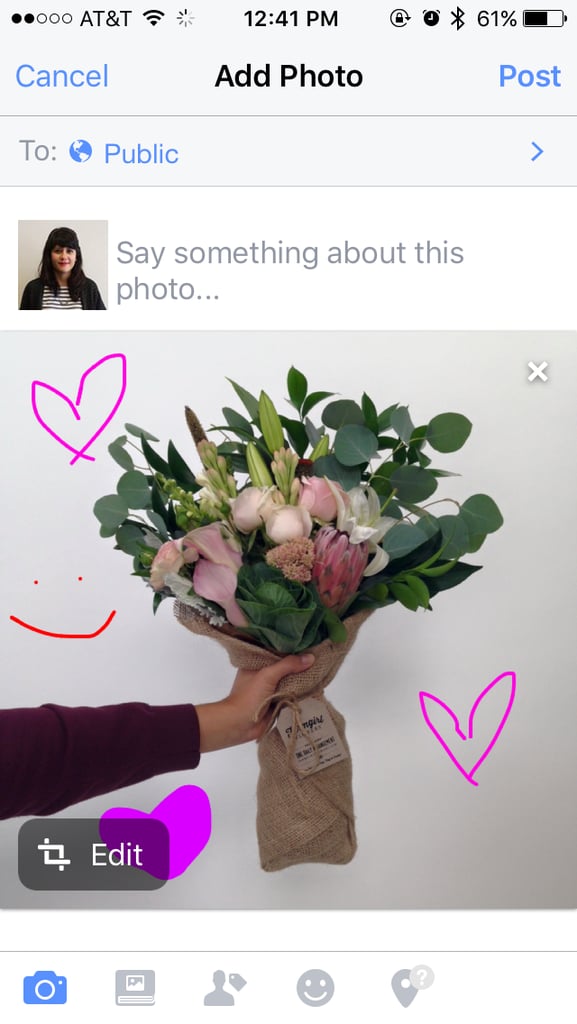
Once your photo is uploaded, tap the Edit button.
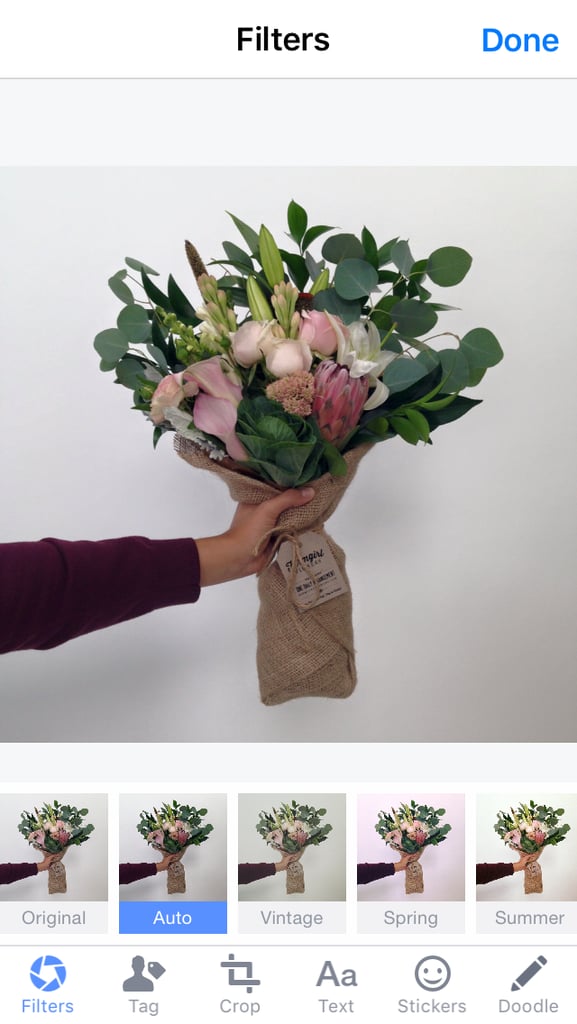
Pick a color — any color!
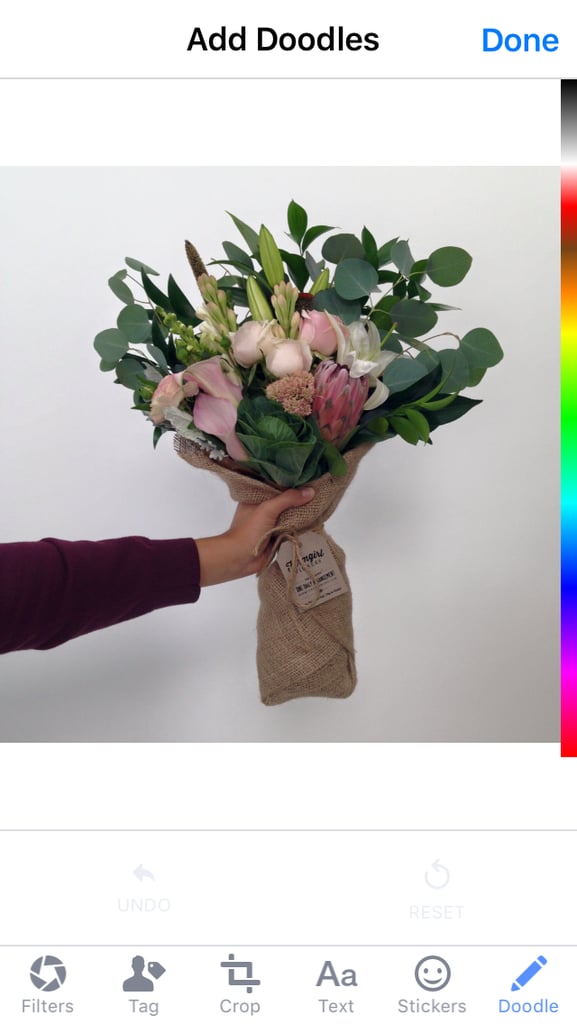
Change your pen size if you'd like.
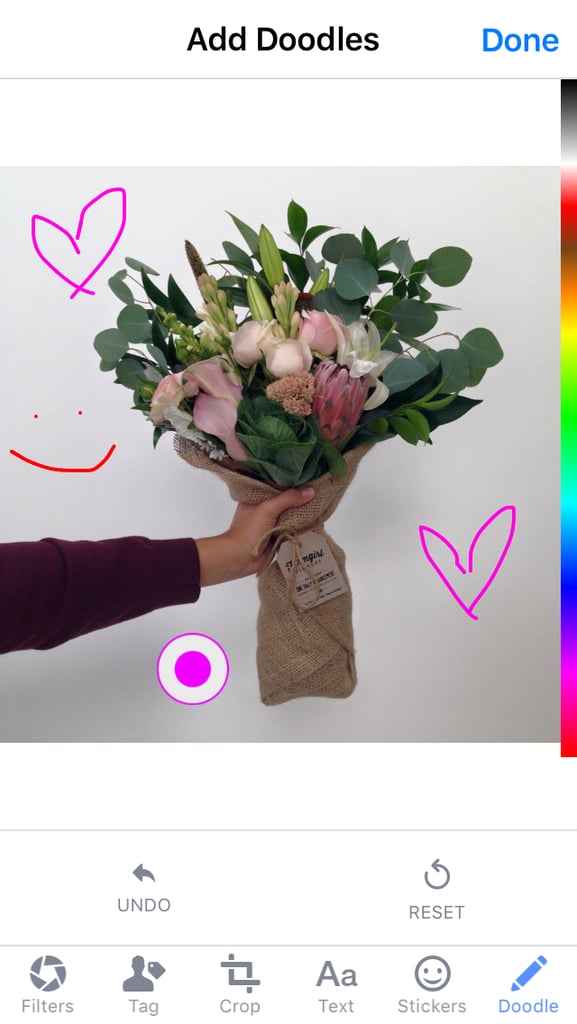
Ta-da! You're done!