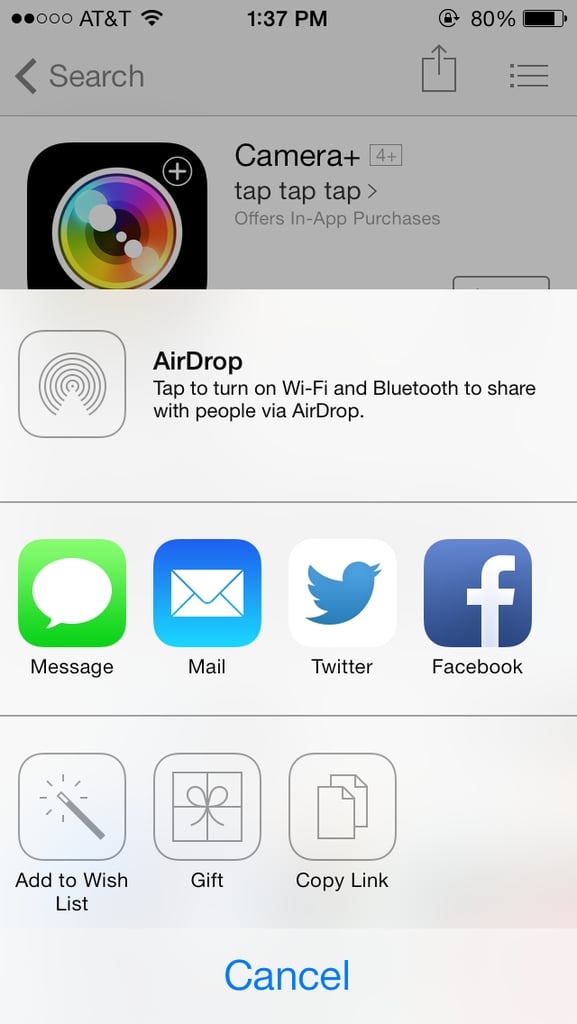
Popsugar Culture Tech Tips How to Send an App to Another iPhone The 1 Trick That'll Save You When You Have Nothing to Give Someone December 25, 2015 by Lisette Mejia View On One Page Photo 1 of 4 ADVERTISEMENT () Start Slideshow Share This Link Copy ← Use Arrow Keys → 1 Select the app to give from the App store or iTunes store. Hit the "Share" icon in the upper right. Tap the symbol that says "Gift." Previous Next Start Slideshow