How to Instagram Geotag
The Right Way to Geotag on Instagram

3

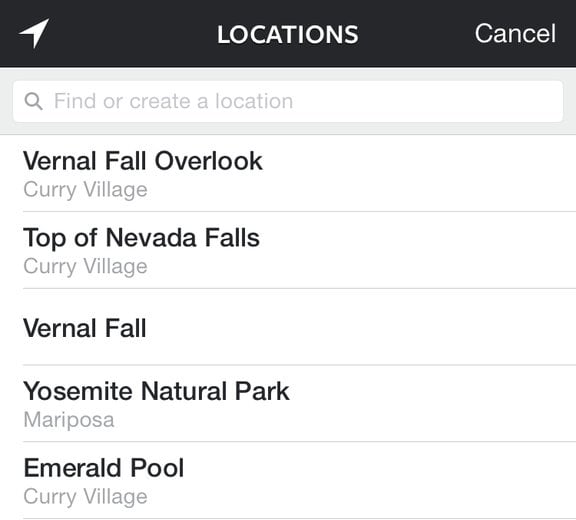
Now, whenever you try to post a picture on Instagram and use the geotag feature, you'll see that the location of where the photo was taken — not where you currently are — is what shows up.
If, however, you want to see nearby locations of where you are at the moment, simply tap on the white arrow in the upper left hand corner, and it will reset the location to where you are now.
That's it! You are now free to enjoy the moment without posting immediately or worrying that you'll lose the location tag once you leave.