How to Instagram Geotag
The Right Way to Geotag on Instagram

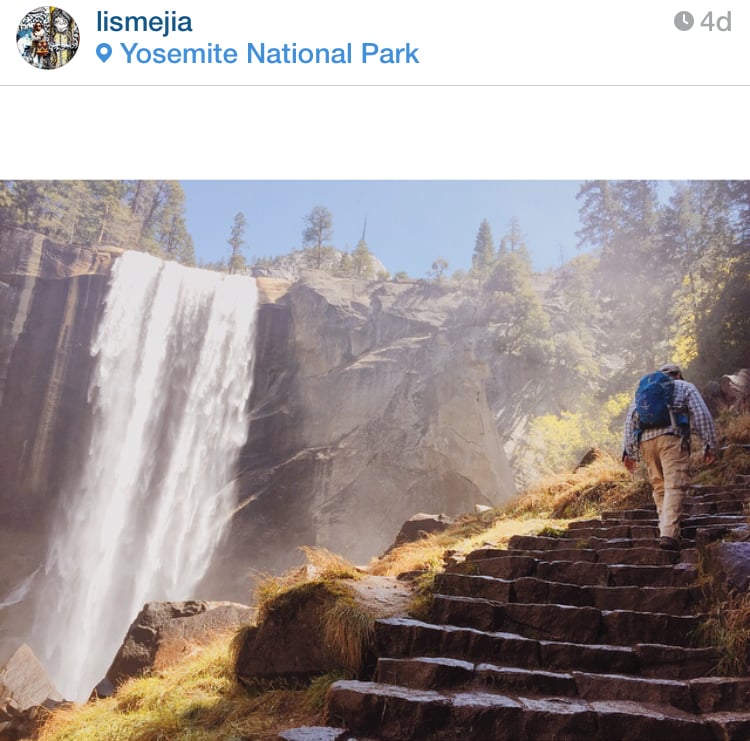
Image Source: POPSUGAR Photography / Lisette Mejia
If you've ever tried to post an Instagram picture after you've left the spot where it was taken, you may have noticed a problem: you can't use the geotag feature because Instagram can't find the location. It only pulls up places that are nearby. So, what to do if you took a photo in New York and wanted to geotag the Statue of Liberty once you're back home in San Francisco?
Thankfully there's an easy hack to work around this for iOS users. Simply make sure your location tracking is turned on in your Camera Roll. Ahead, check out photos that break it all down.
First, turn on geotagging in your camera app.
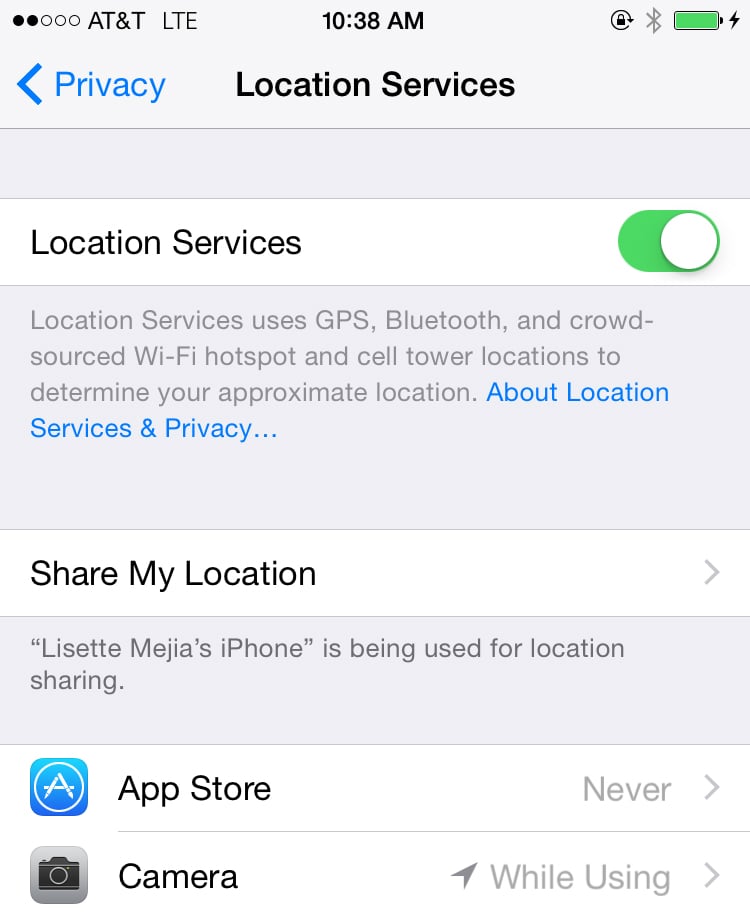
Image Source: POPSUGAR Photography / Lisette Mejia
Now you'll notice that the name of the location shows up in your Camera Roll.
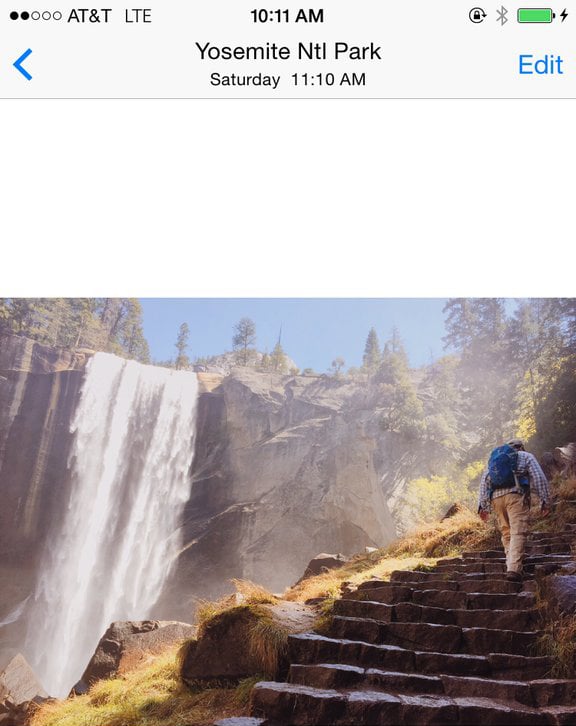
Image Source: POPSUGAR Photography / Lisette Mejia
Open in Instagram — and voilà!
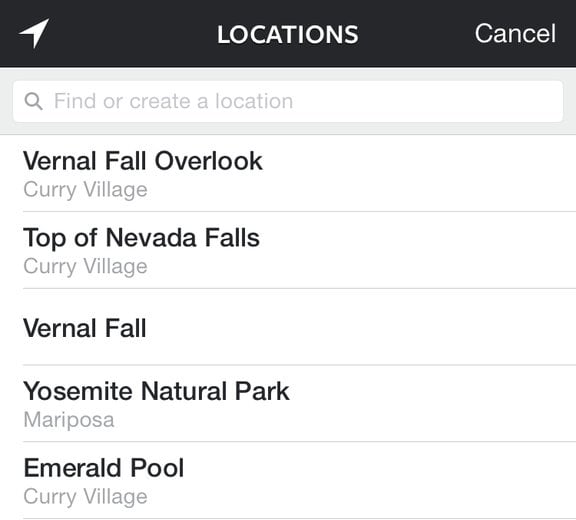
Image Source: POPSUGAR Photography / Lisette Mejia