YouTube Kids Parental Control Tools to Customize the App
YouTube Just Streamlined Its Parental Controls to Ensure Screen Time Is Age-Appropriate

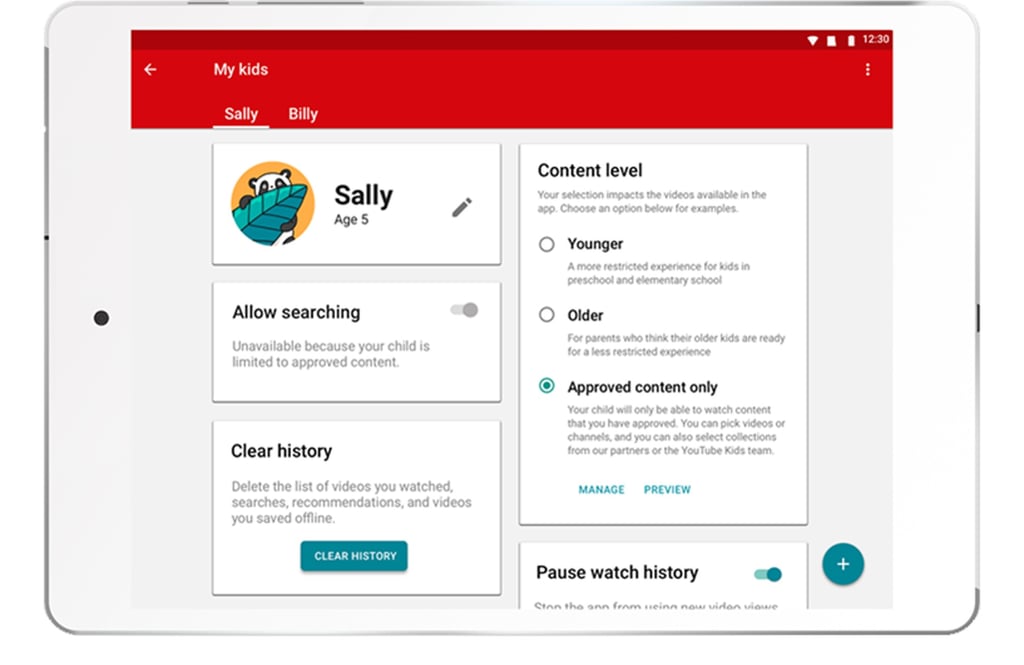
Following its announcement this past April that it would be adding more parental control features to its app, YouTube Kids has officially rolled out two new content experiences so you can rest assured that your child's screen time is age-appropriate. The new features — an "Approved Content Only" experience, as well as the option to set their profile between "Younger" or the new "Older" setting in terms of content — are available in the app now, and can be accessed through your child's personalized profile.
"We believe that no two families are the same — and that their needs are ever-changing as they grow up," James Beser, Product Director for YouTube Kids, wrote on the official YouTube blog. "That's why we are committed to building YouTube Kids in a way that offers kids the content they love and grown-ups the tools to customize the app as they see fit."
Learn more about the two new features below.

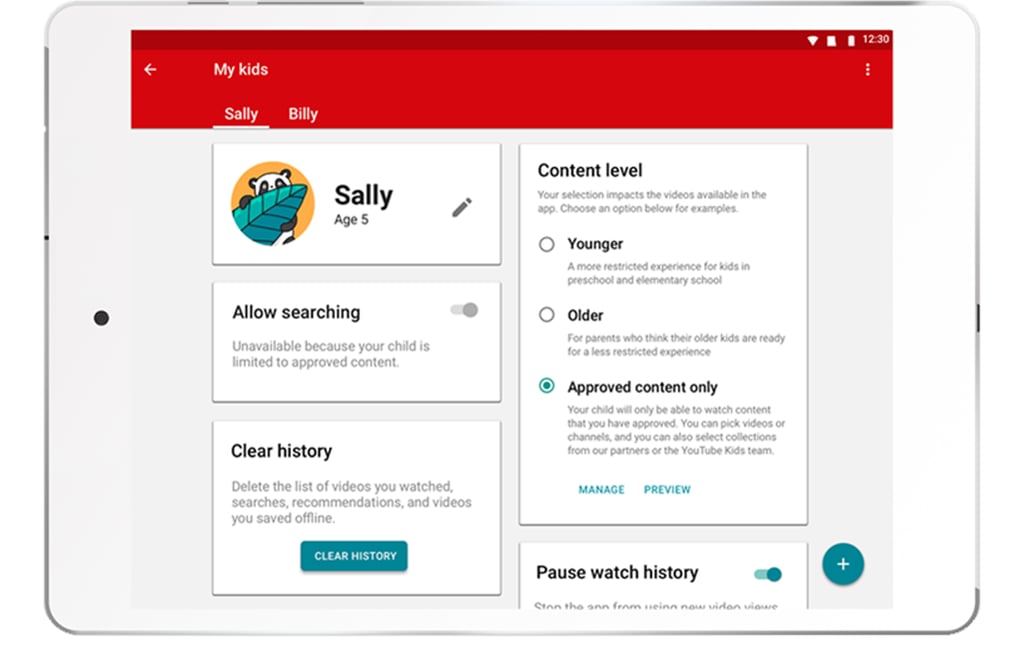
Set your child's profile to "Approved Content Only" to customize the videos they're allowed to access.
Choose between "Younger" or "Older" content groupings.
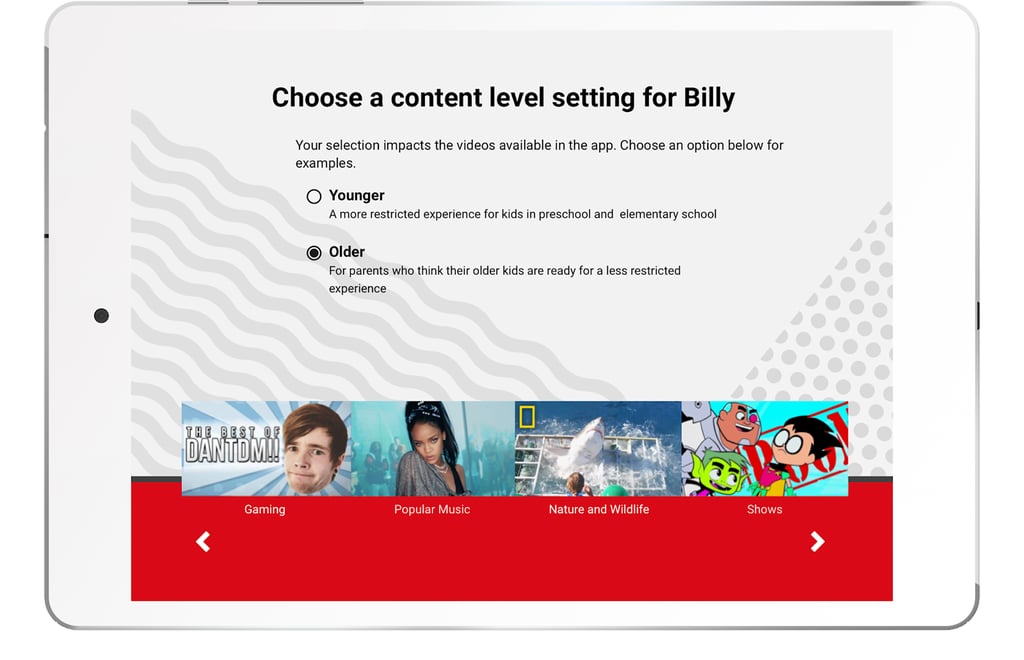
Access the features on your child's profile page.