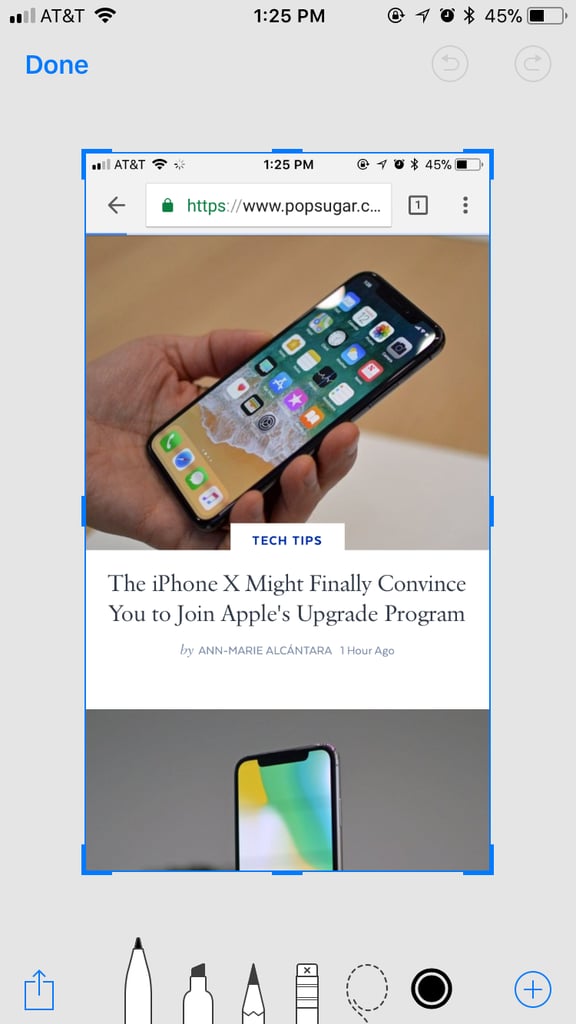
Popsugar Culture Digital Life How Do I Use Screenshots in iOS 11? Confused About Screenshots on iOS 11? Here's Every Single Tool, Explained June 7, 2018 by Ann-Marie Alcántara View On One Page Photo 1 of 12 ADVERTISEMENT () Start Slideshow Share This Link Copy ← Use Arrow Keys → 1 Easily mark up screenshots before sending them. After taking a screenshot, you'll see it appear on the bottom left corner of your screen. Tap on it and you'll be taken to a markup screen. Previous Next Start Slideshow Digital LifeAppleTechnologyiPhoneIOS 11