1
You May Also Like
From Our Partners
Now You Know
Latest News
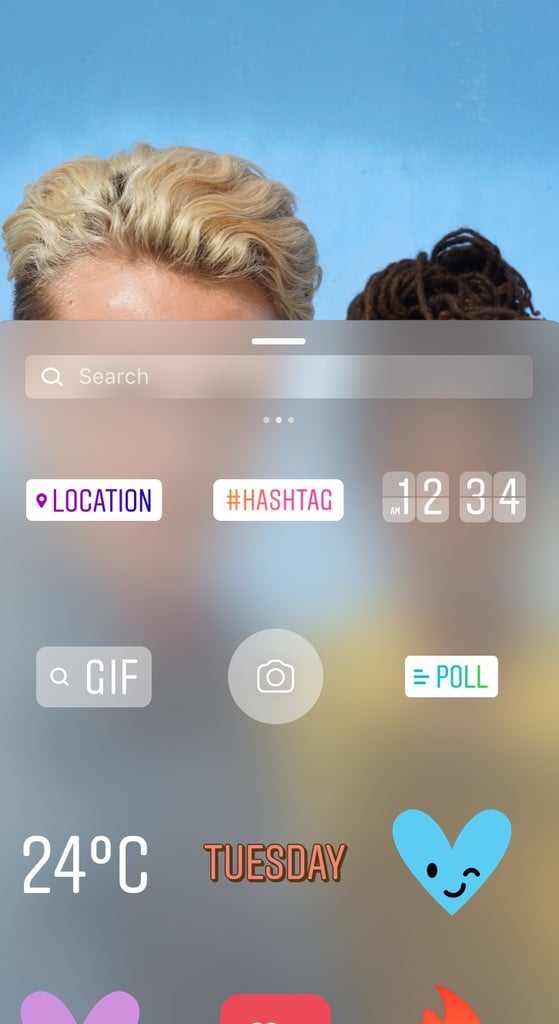
To get there, swipe right on the main screen or tap the camera button on the upper left hand corner of your screen. Once you've got a photo or video prepared, tap the smiley face icon on the upper right hand corner, then click the magnifying glass that says the word "GIF."