6
You May Also Like
From Our Partners
Now You Know
Latest Affordable DIY & Organization
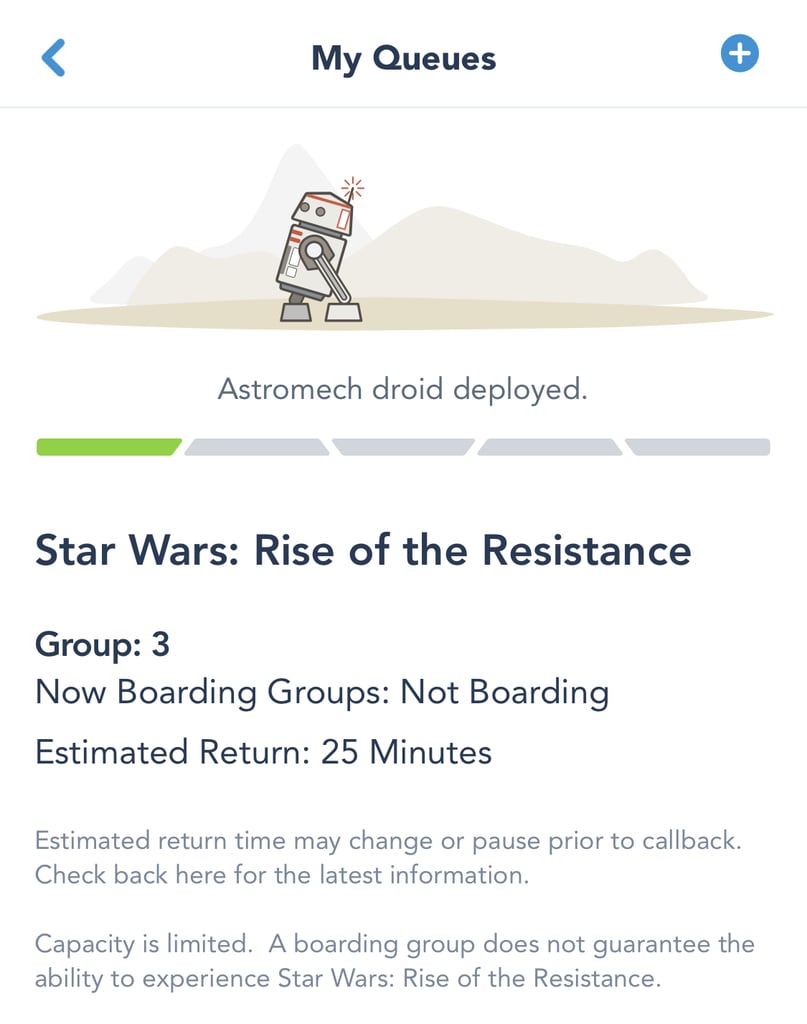
Hit the "Join Virtual Queue" button as soon as it appears on the screen. The next screen that pops up will be a "Review Details" screen where everyone in your party should be pre-selected. If something doesn't look right, you can hit "Change Party," but you'll need to be quick. Hit "Join Virtual Queue" again and, fingers crossed, you'll see a screen with your boarding-group number and an estimated return time.