3D Touch Tips
19 3D Touch Tips That Will Change How You Use Your iPhone

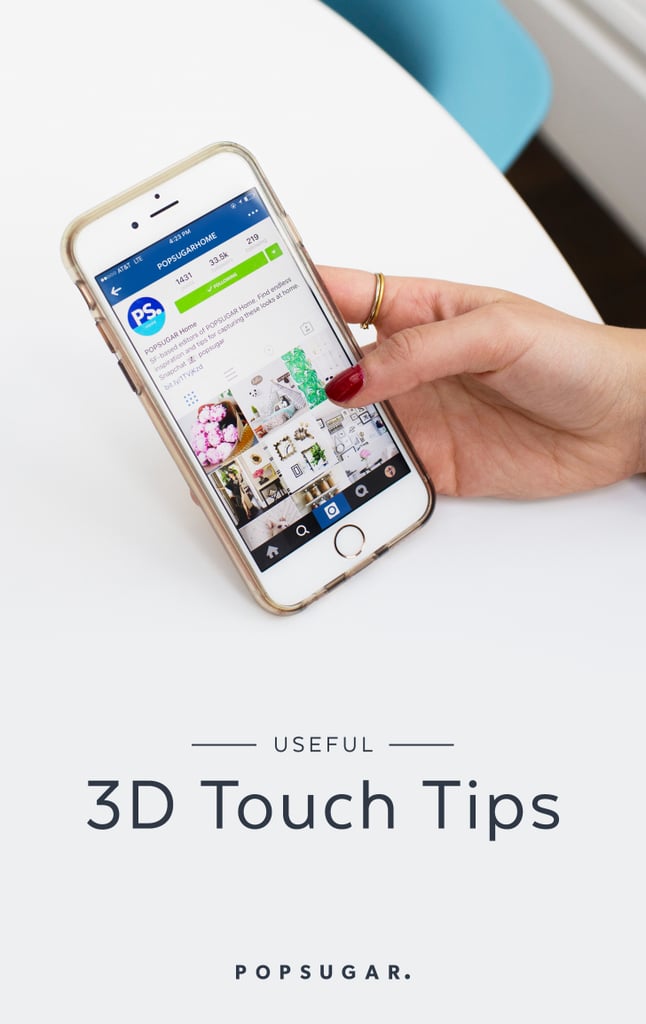
Image Source: POPSUGAR Photography / Benjamin Stone
Still confused about what 3D Touch is? Don't worry — I was too until I started tinkering around with the feature more. Available on the iPhone 6S, 6S 7, and 7 Plus, 3D touch is a great shortcut tool to use on your iPhone that you won't regret learning how to use.
In short, 3D Touch uses force and pressure on your iPhone to determine what action to do next. If you press down hard on an app or a link in a message, you'll get a "Peek" of what actions you can take or a preview of links. Press a little harder and you'll "Pop" into the app itself.
Keep reading to see our favorite ways of using it, and then catch up on these other iOS 9 tips.
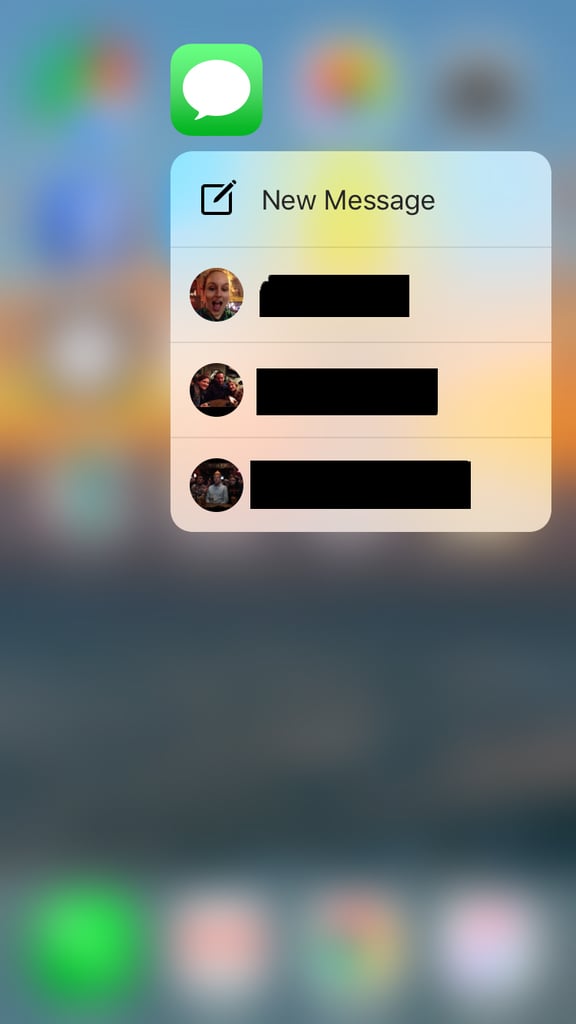
1 Text someone faster!
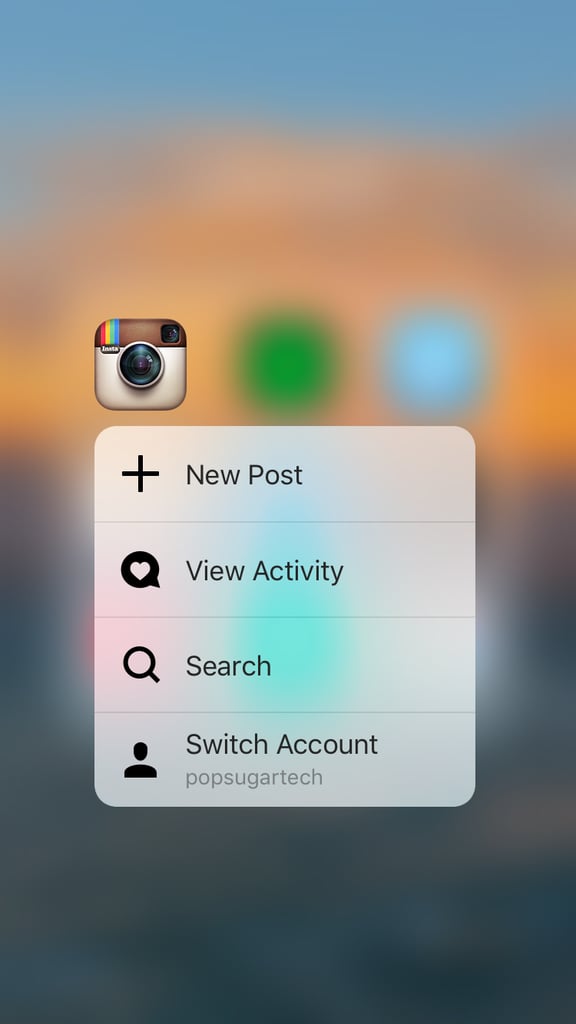
2 Instagram #TBTs get a lot easier.
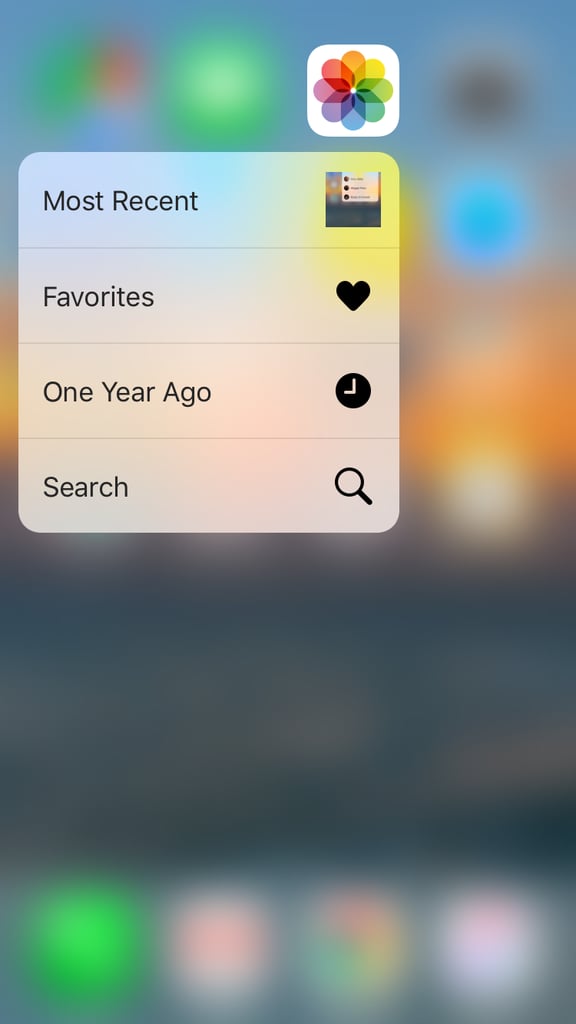
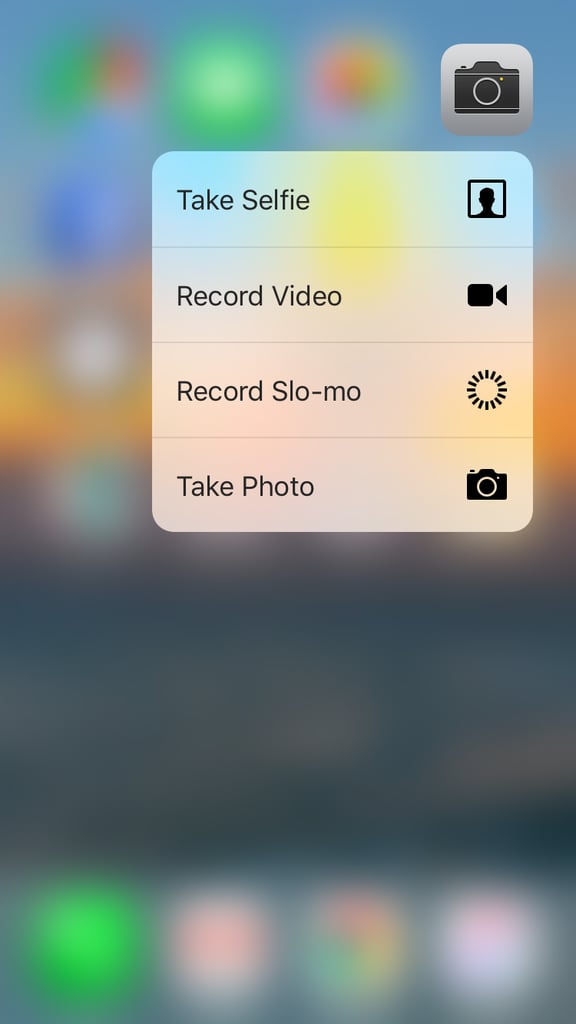
3 Taking photos is even more simple.
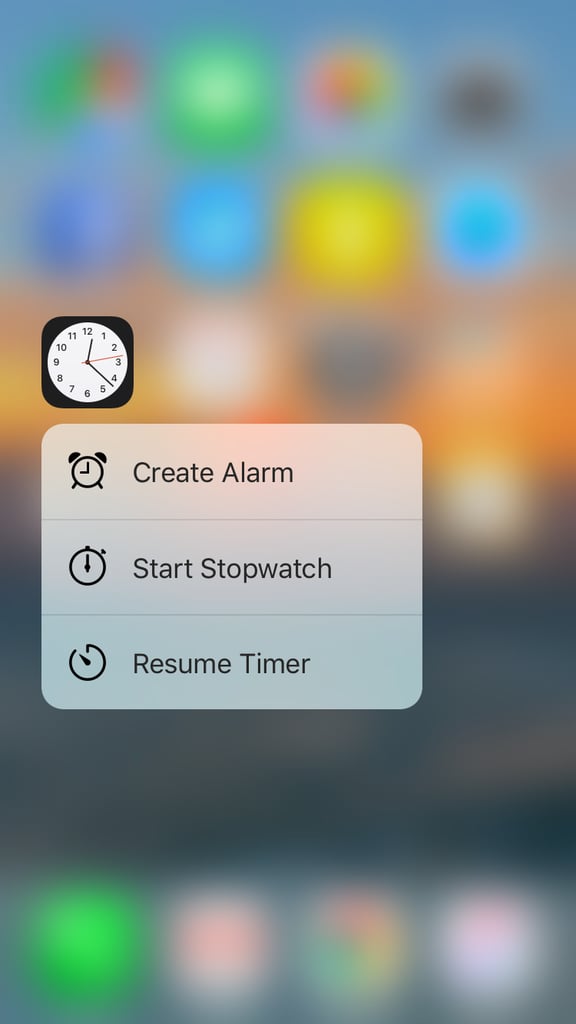
4 Set an alarm in your sleep . . . kinda.
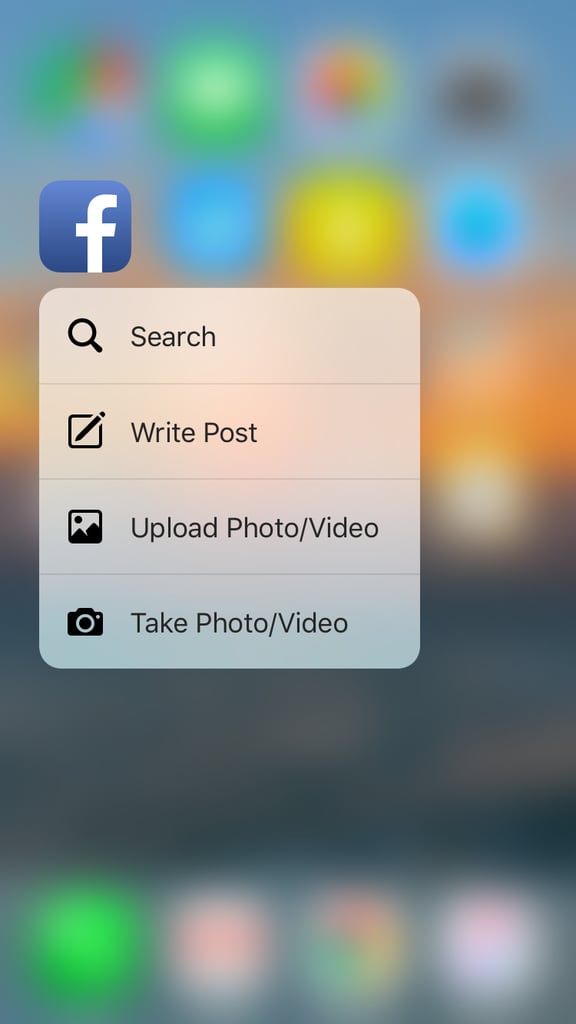
5 Share something on Facebook in seconds.
6 Send messages on Messenger to the people you talk to the most.
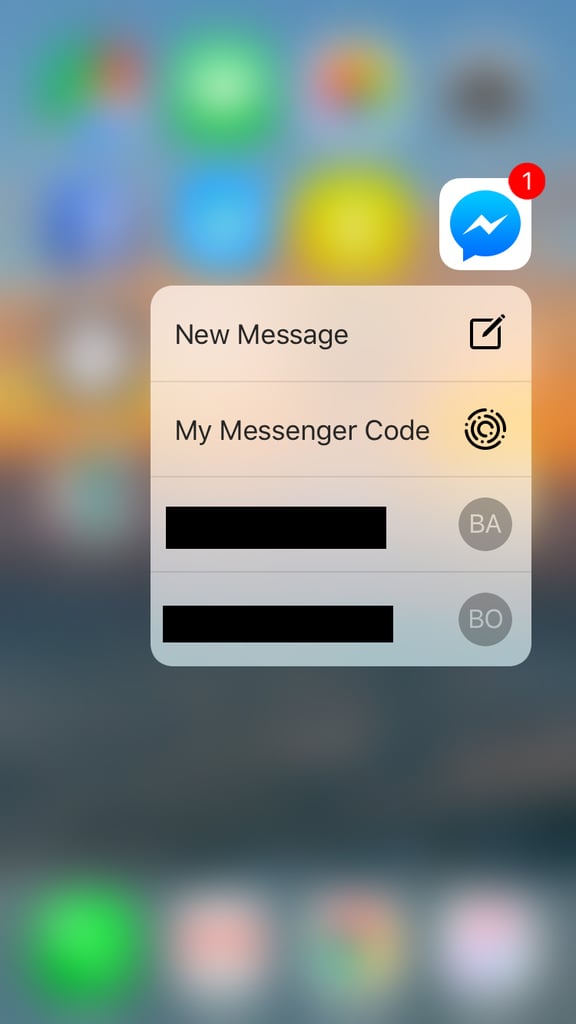
7 Add friends on Snapchat much more easily.

8 Catch up on your "likes" on Instagram with 3D Touch.
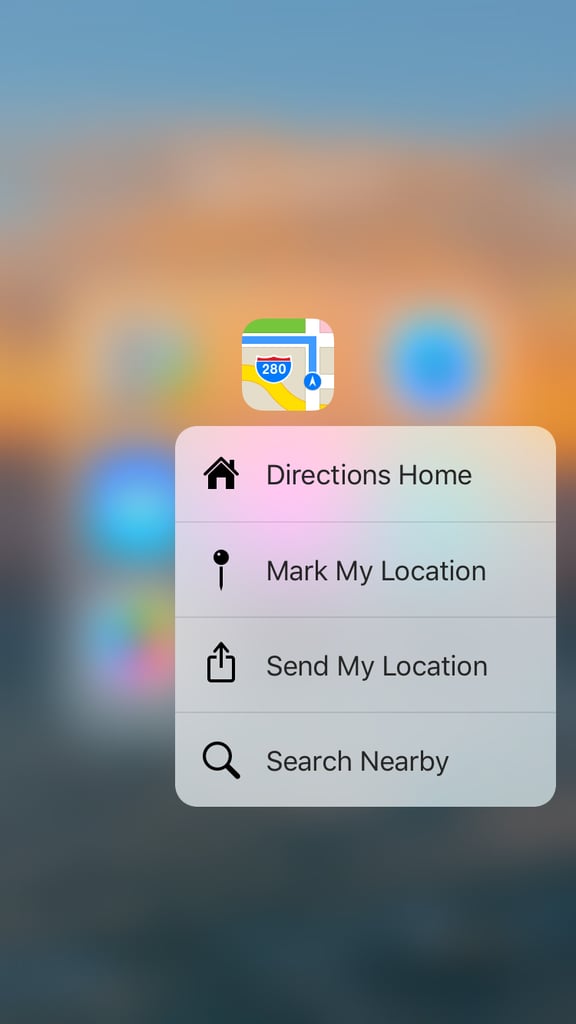
9 Get to your destination much faster.

10 Quickly send your location to a friend.
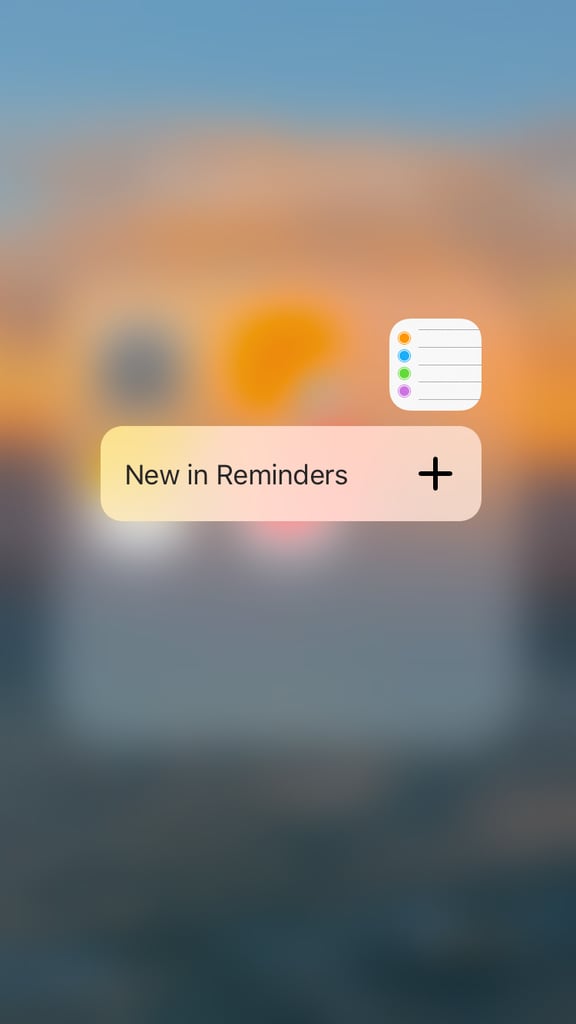
11 Add items to your to-do list.
12 Call someone on your Favorites list.
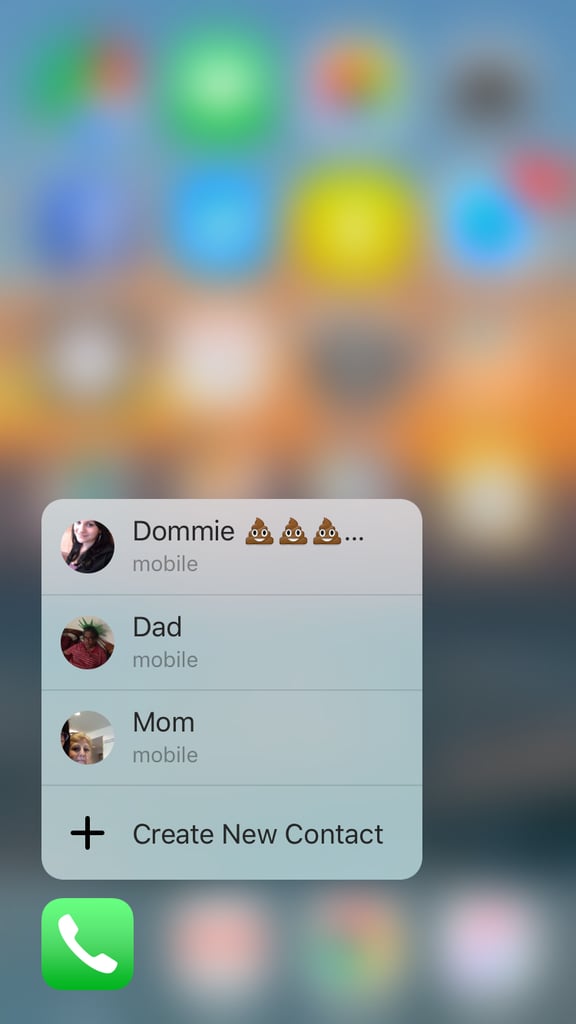
13 Request a ride share without any hassle.
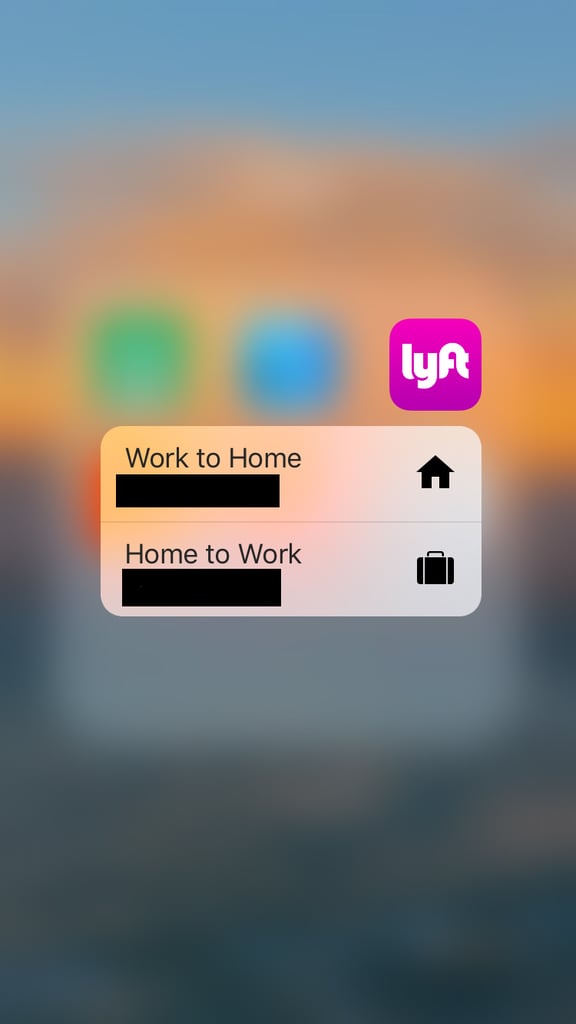
14 FaceTime with your favorites.
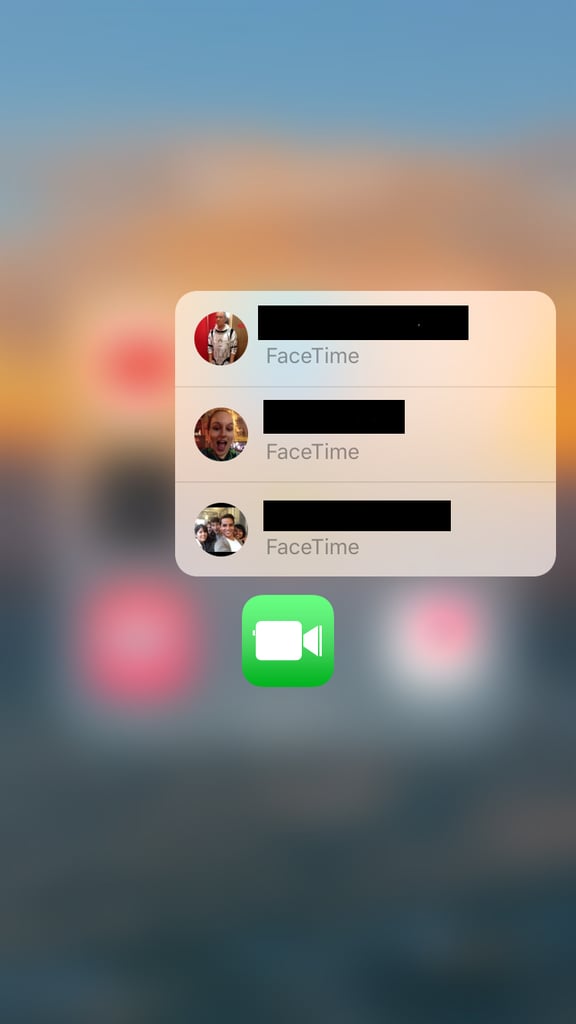
15 Message or FaceTime someone without going through different apps.
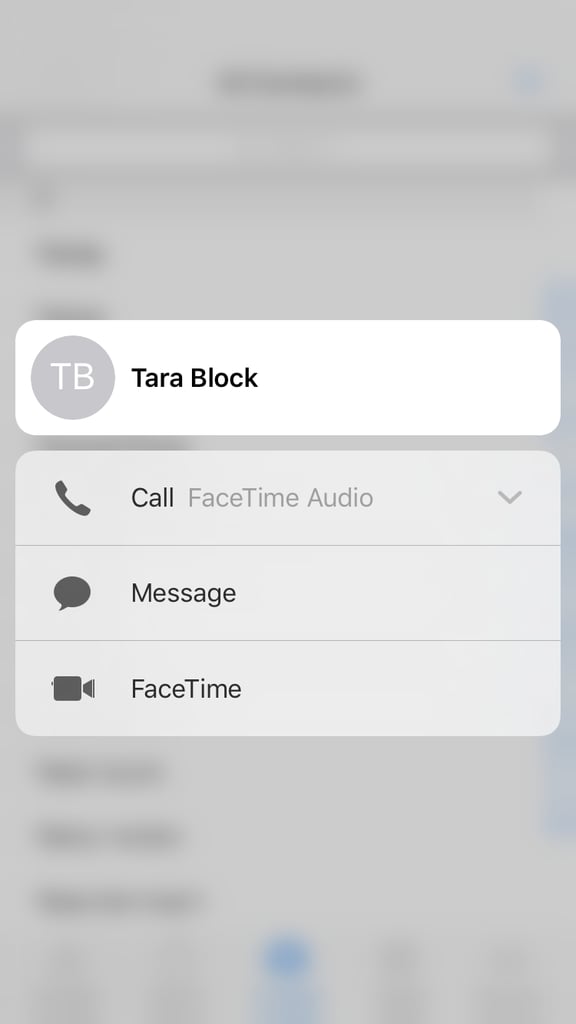
16 Fix a typo or insert more words into a text.
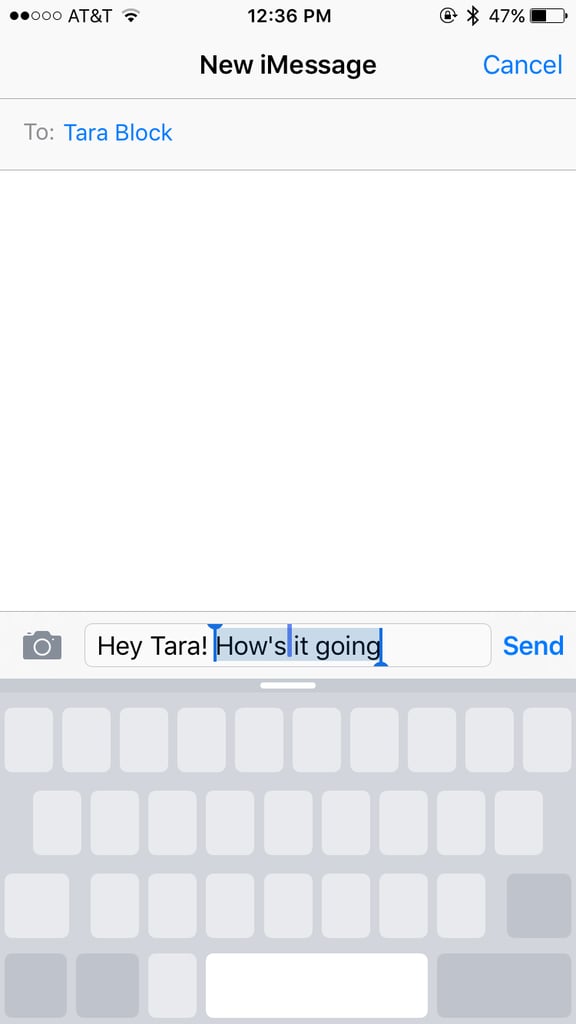
17 Preview links in iMessage or Mail.

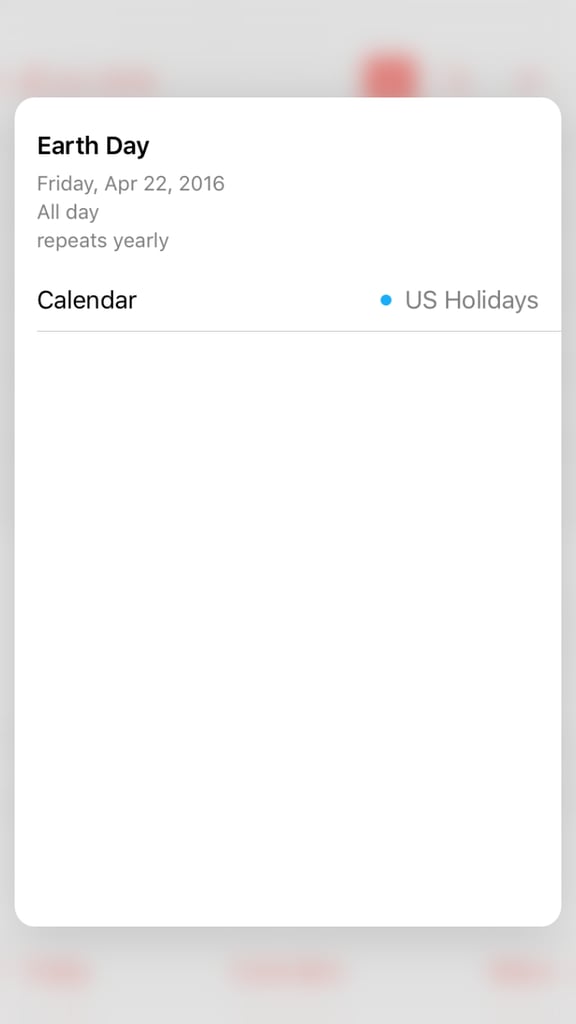
18 Get more details on your events.
19 See what your photos look like without leaving the Camera app.