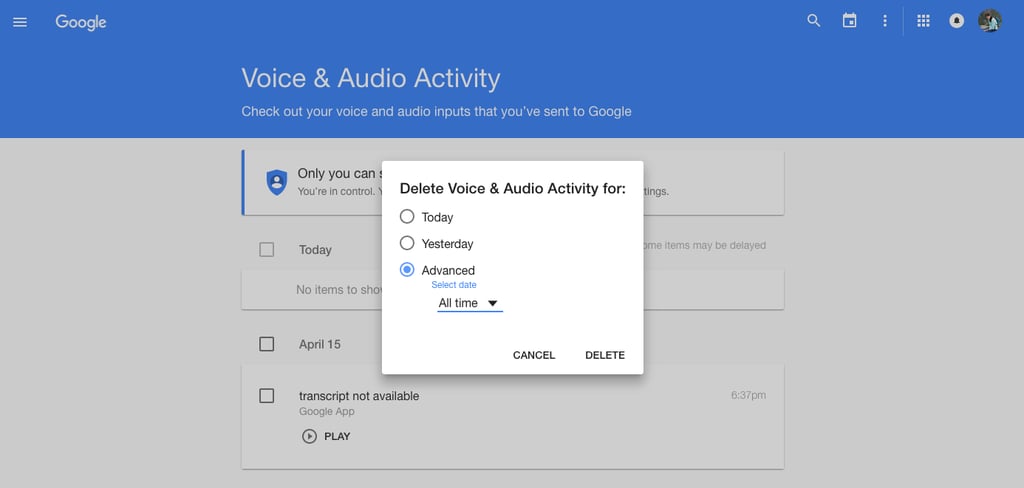
How to Delete Google History
Here's How to Delete Your Google History


Image Source: POPSUGAR Photography / THEM TOO
Oh, Google. Everyone has a love/hate relationship with the company that really knows almost everything about you. If you are a little nervous about just how much information Google's services have on you, follow our quick guide to deleting data and history.

1 First, head to the main page to find your Google history and data.
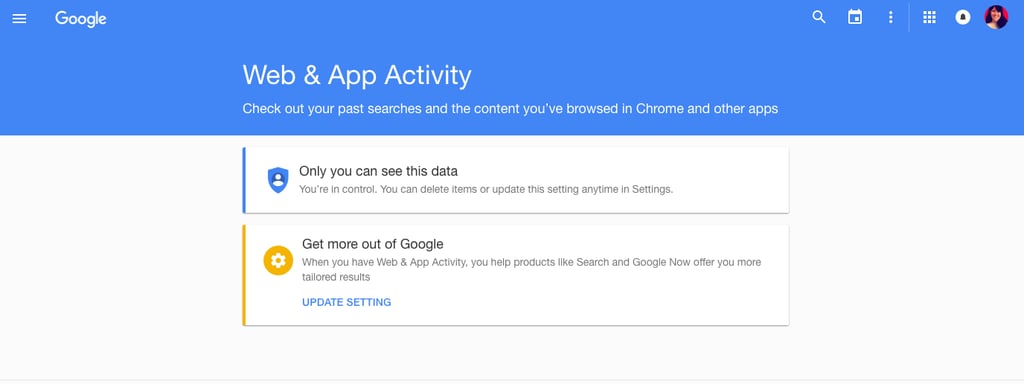
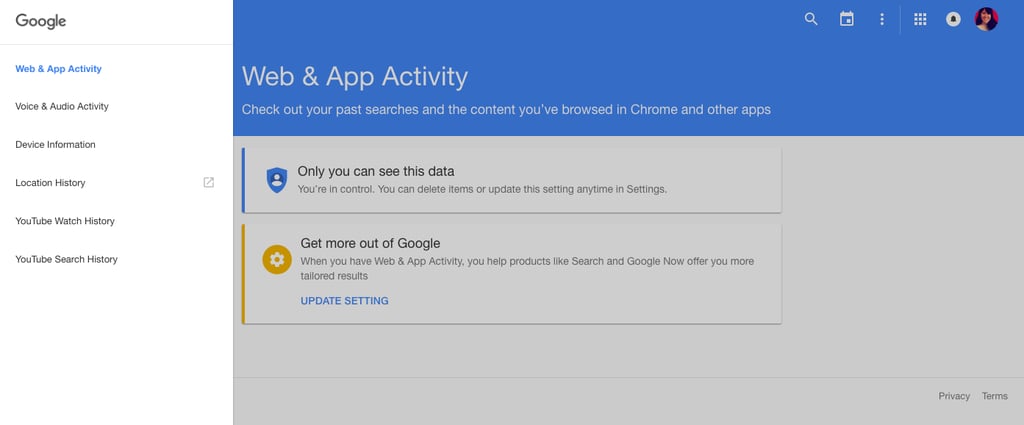
2 Then, pick what data you want to look at.
3 After you pick one, peruse what information the service has about you.
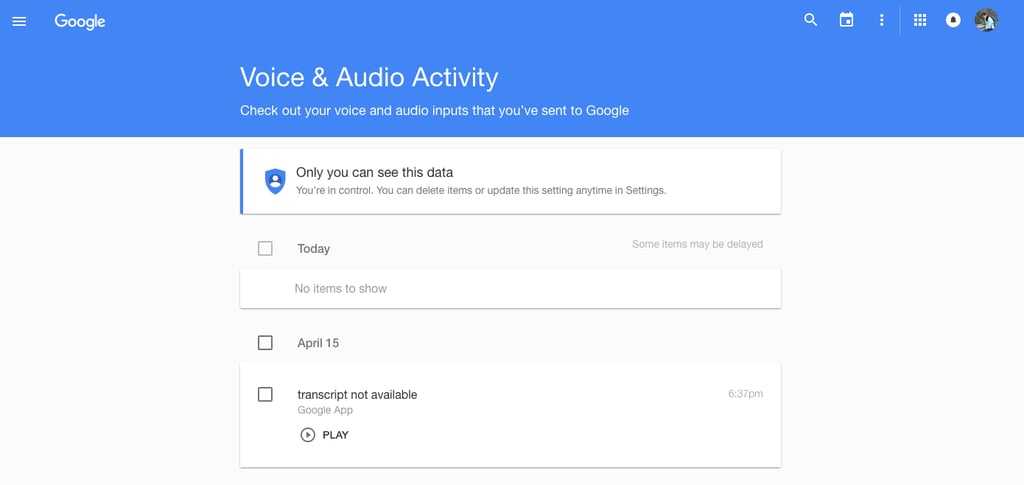
4 If you do want that information and data deleted, click the three dots on the top right corner of the page.
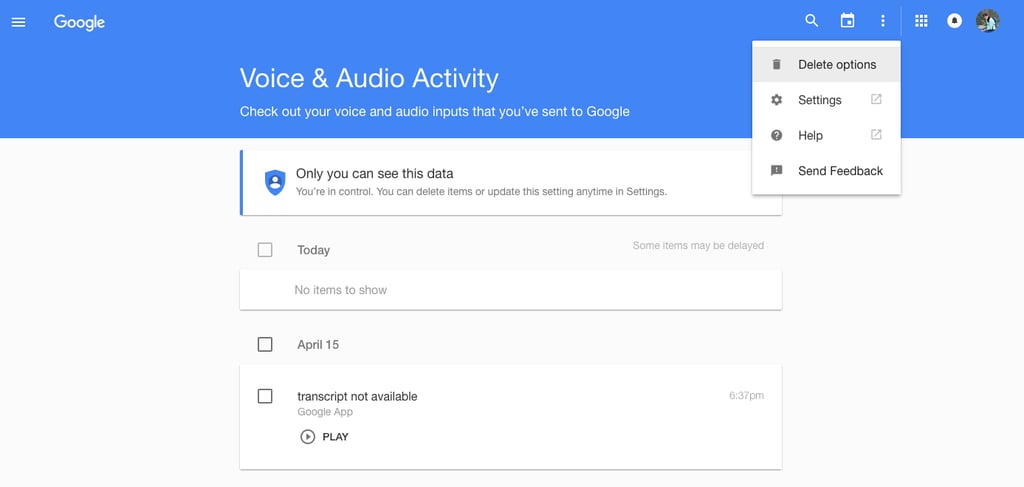
5 Here, you can decide how much of your information you want gone.