How Do I Post Multiple Photos in One Post on Instagram?
Instagram Is Finally Letting You Share Multiple Photos in One Post


Image Source: Instagram
Instagram is finally bringing a long-awaited feature to the app: sharing multiple photos and videos in a single post. The feature begins rolling out today to both Android and iOS users.
Instead of picking the one photo that sums up your vacation, you can now choose up to 10 photos or videos to share in one post. Once you select the photos or videos you want, you can edit them at the same time or do it one by one. To be clear, the group of photos doesn't appear like a collage. It looks more like a gallery that your friends can swipe to see more of.
Ahead, see how to use this feature and what it'll look like in your Instagram feed.
Tap the upload icon and then tap the small box icon to choose several photos and videos.

Image Source: Instagram
Edit all the photos at the same time or one by one.
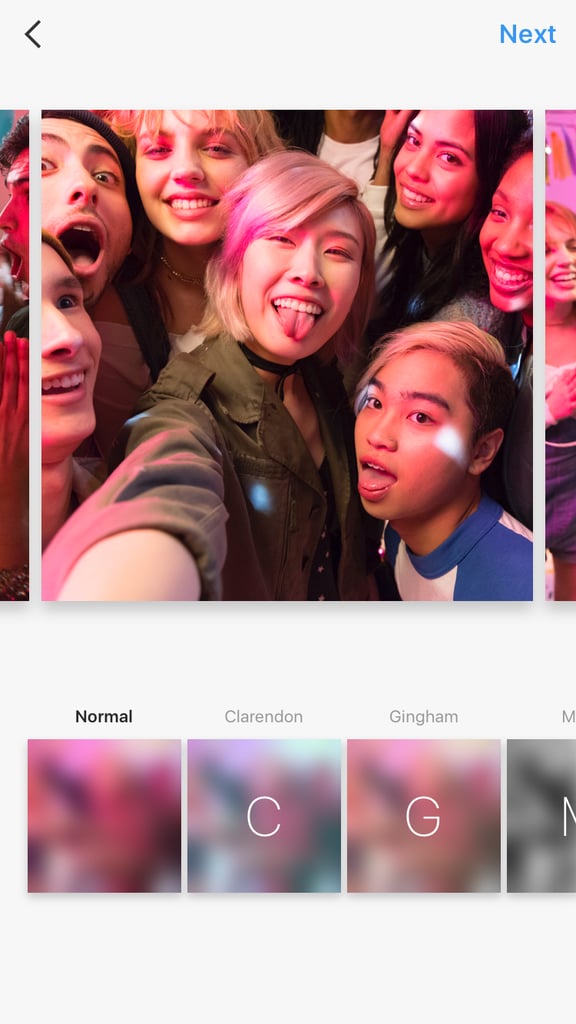
Image Source: Instagram
Upload and swipe left to right to see your new gallery!

Image Source: Instagram
This is how a gallery on Instagram will look.

Image Source: Instagram