How to Find the Hidden Inbox on Facebook Messenger
Here's How to Find a Hidden Inbox of Messages on Facebook


Image Source: POPSUGAR Photography / Kat Borchart
Facebook is constantly rolling up hidden tricks and features in its apps, but the newest one might be an unwelcome surprise to some. The company's Facebook messenger app has a hidden folder with messages you might not even know you've missed.
Don't worry too much about how many messages might be in this folder though. It's reserved for messages sent to you from someone who's not your Facebook friend and is considered to be more spam than anything else. Keep reading to see exactly how to find it.
First, open up the messenger app and tap on settings.
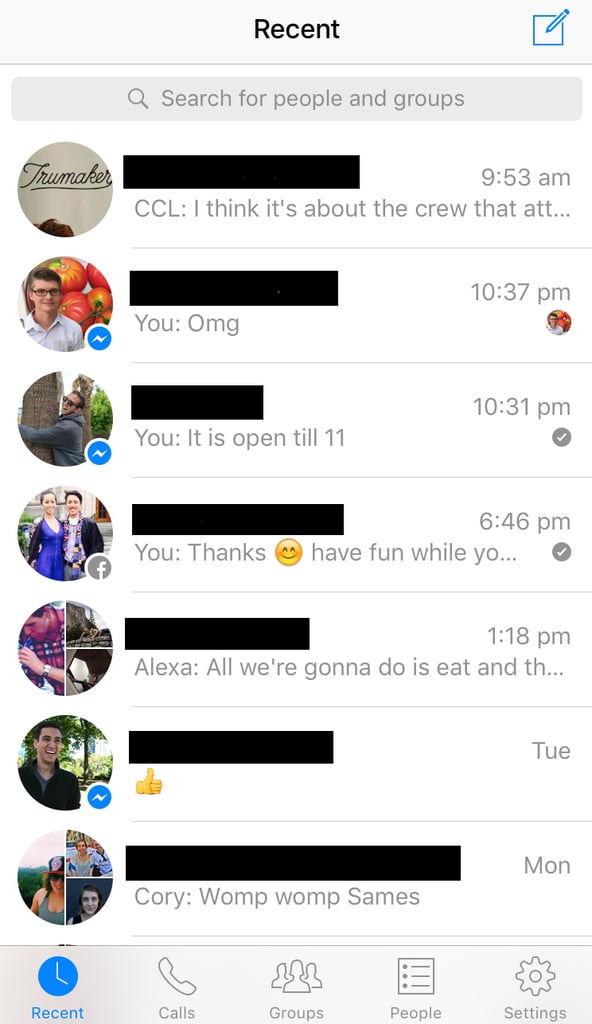
Image Source: POPSUGAR Photography / Ann-Marie Alcántara
Then, tap on the "People" section in your settings.
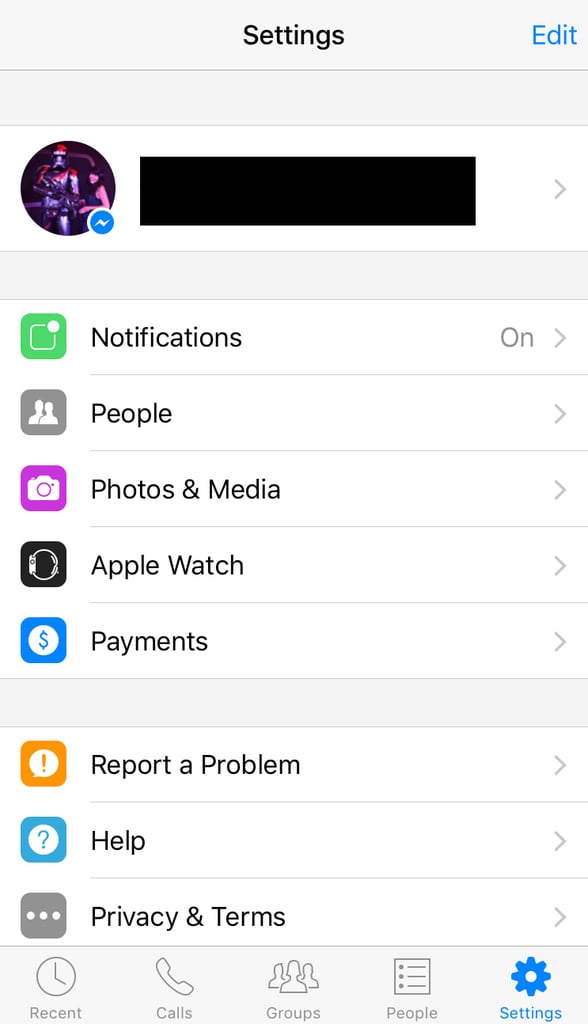
Image Source: POPSUGAR Photography / Ann-Marie Alcántara
Here, tap on message requests.
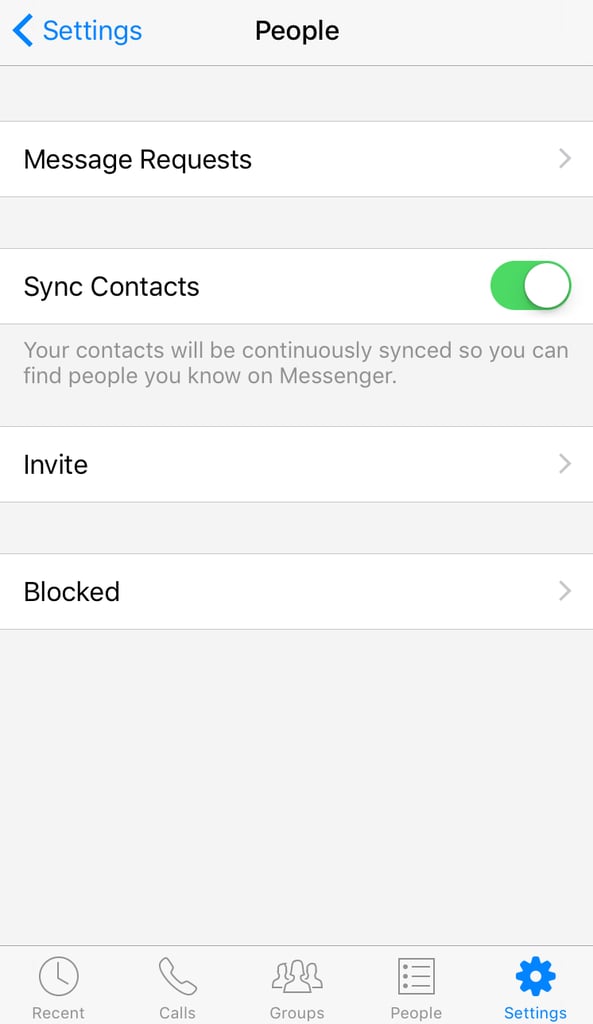
Image Source: POPSUGAR Photography / Ann-Marie Alcántara
On this page, tap on "See filtered requests."

Image Source: POPSUGAR Photography / Ann-Marie Alcántara
Ta-da! Here you'll see all several messages that you weren't alerted about or might've never known existed.
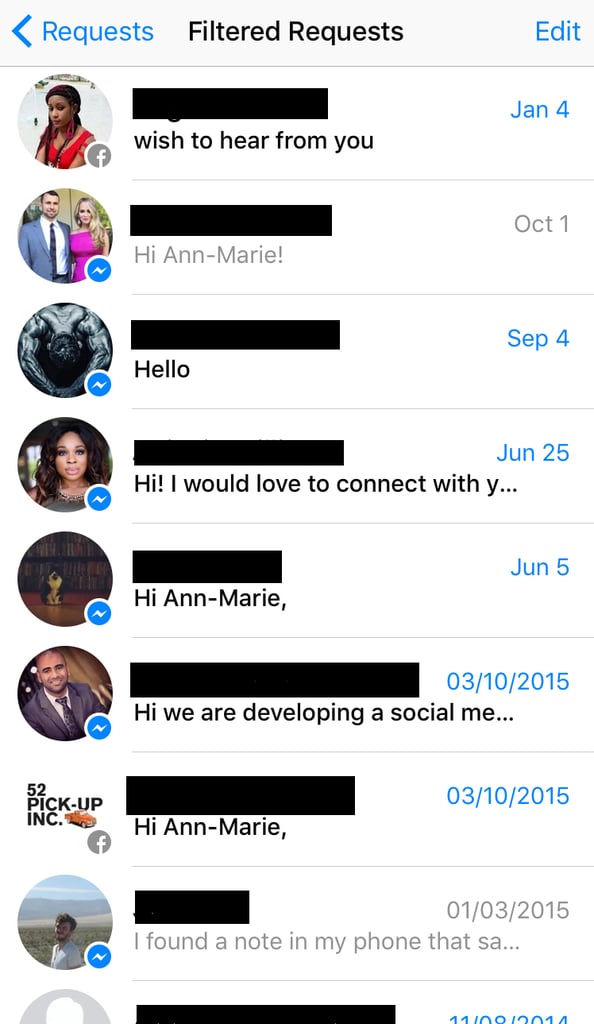
Image Source: POPSUGAR Photography / Ann-Marie Alcántara



