How to See What Facebook Knows About You
Here's How to Find Out Everything Facebook Thinks About You


Image Source: POPSUGAR Photography / Benjamin Stone
The amount of data tech companies collect about us and our internet usage is not surprising anymore. Google knows an absurd amount about you and your habits, and so does Facebook. Thankfully, you can quickly see what Facebook thinks it knows about you via its ad preferences page — information the company uses to show you advertisements on the site. If you don't like what you see, you can use this page to adjust and remove your interests. Take a look ahead to see what the page looks like and how to fix it.
Start by visiting Facebook's Ad Preferences page.
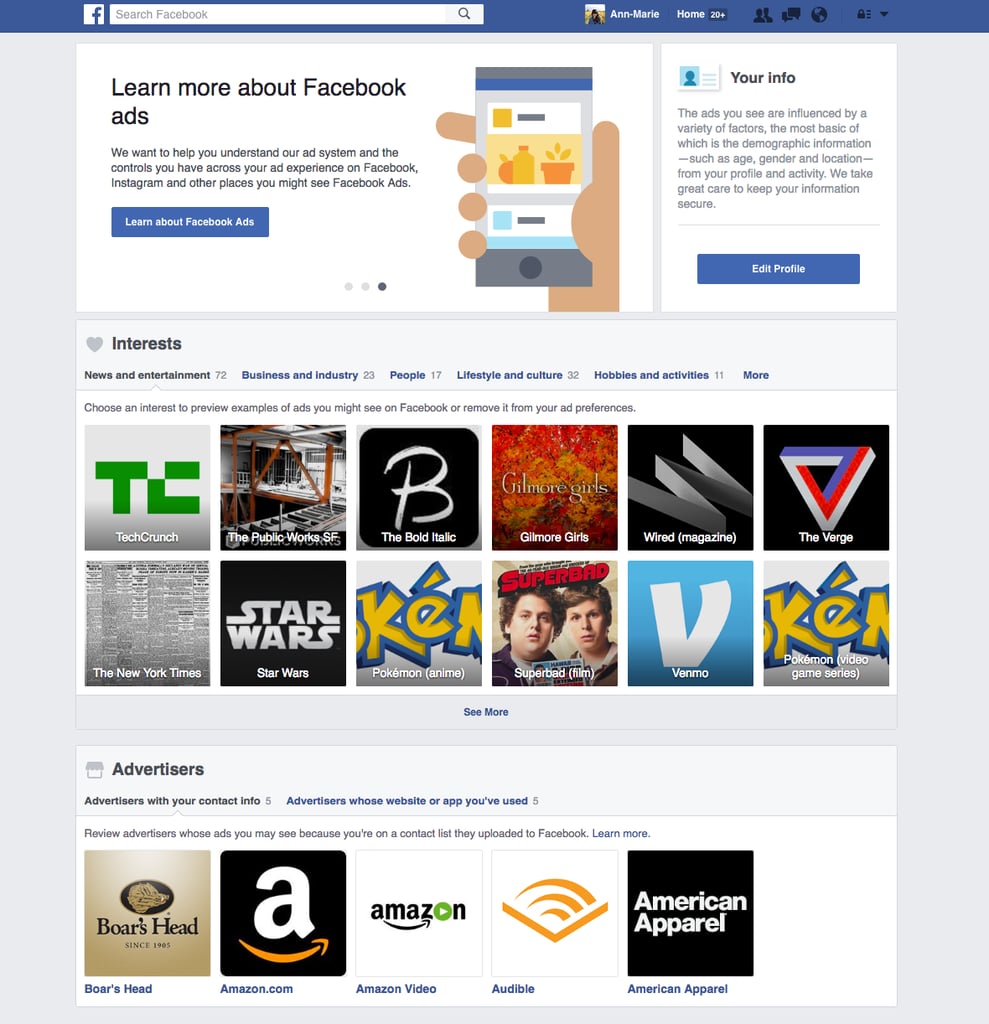
Begin browsing all your interests by topic.
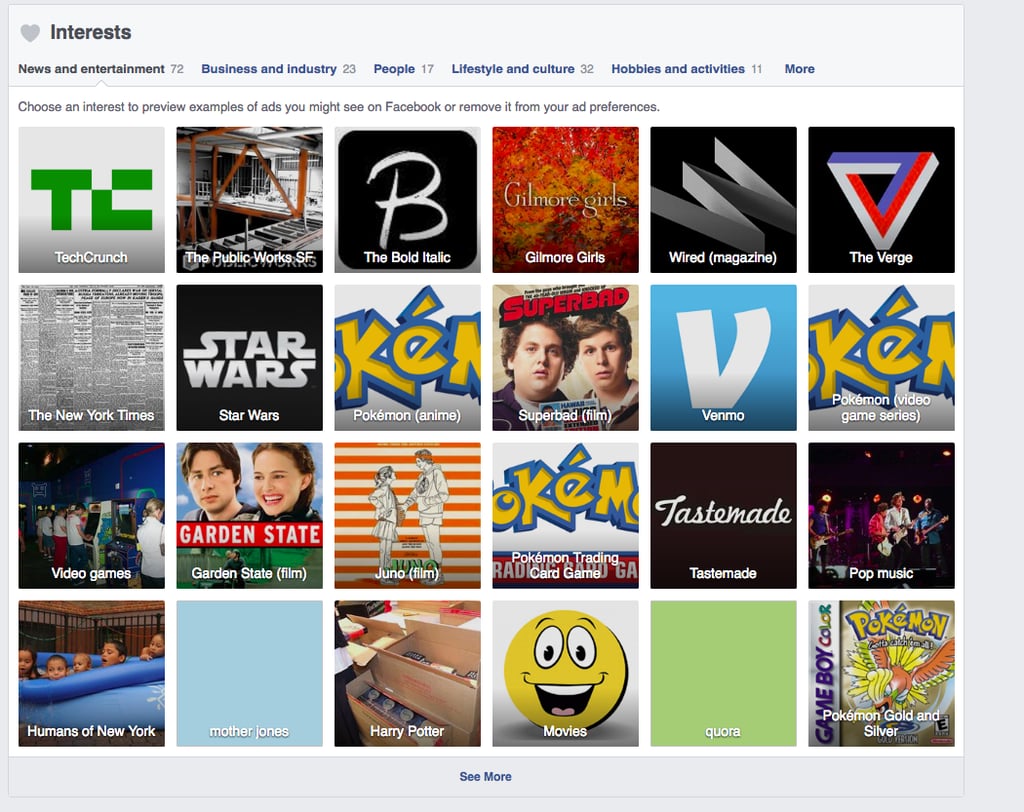
Spend your time looking at how personal Facebook can get.
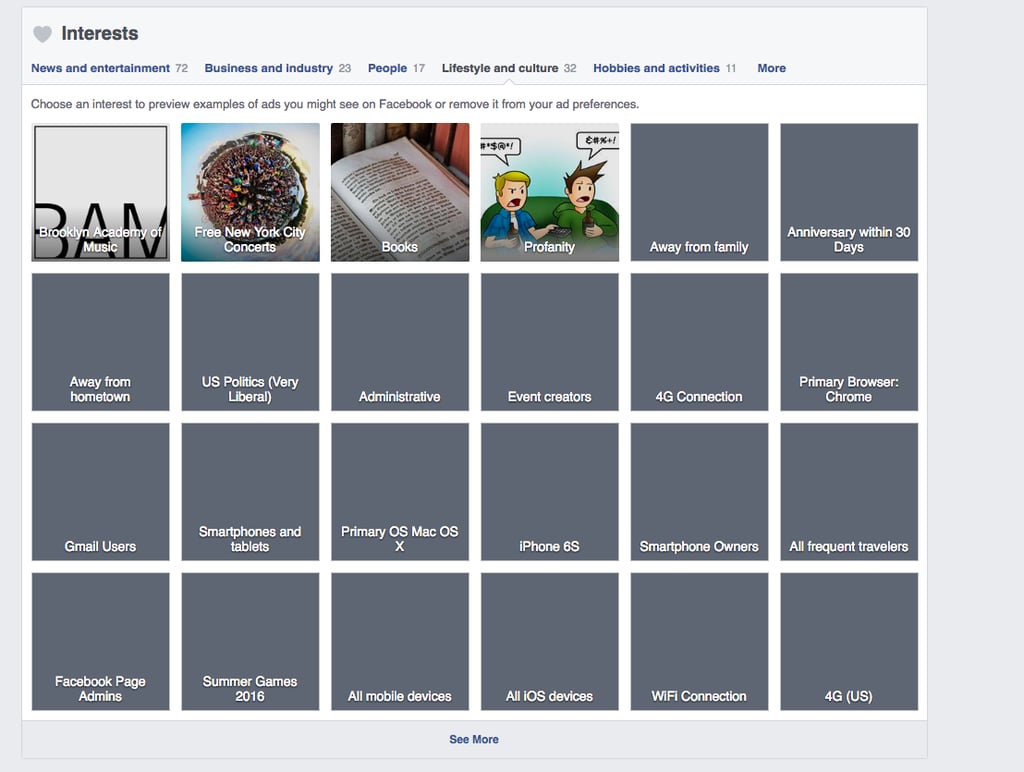
Make sure to explore all of your interests before removing or adding anything.
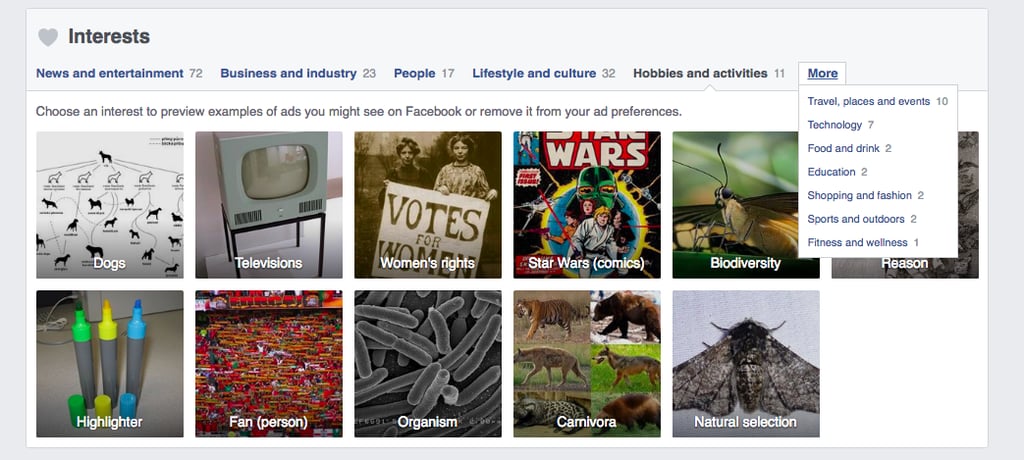
Start removing certain interests.
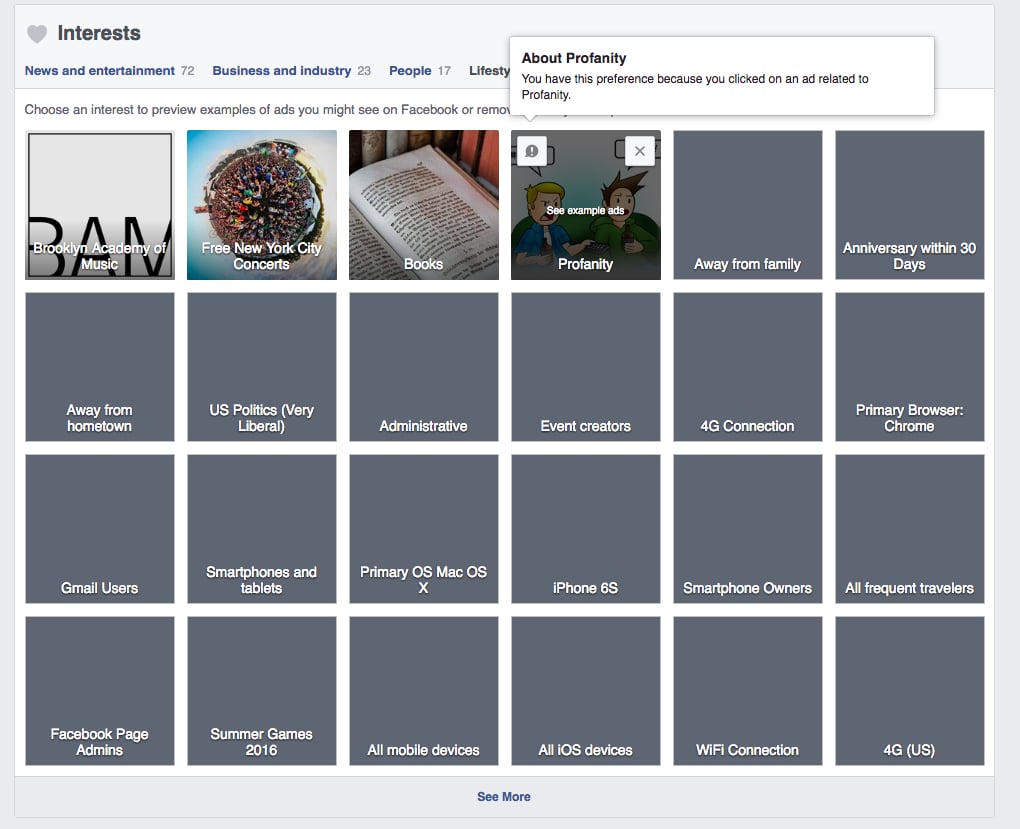
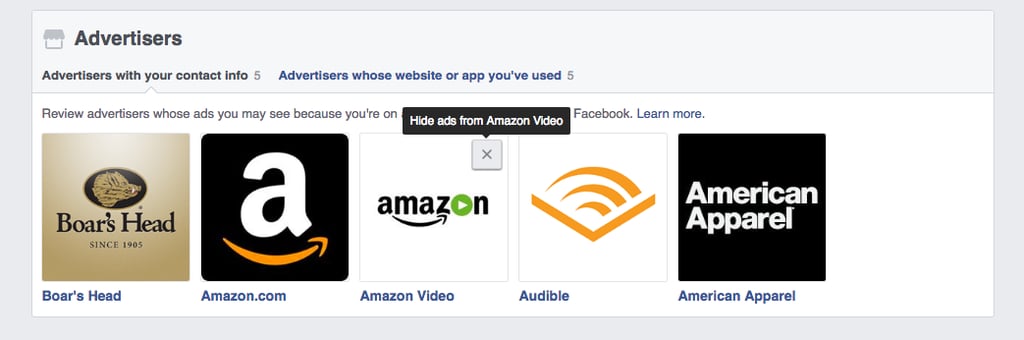
Don't forget to remove advertisers that have your information as well.