How to Use Instagram Live
8 Useful Tips on How to Use Instagram Live — and Actually Enjoy It


Image Source: POPSUGAR Photography / Mark Popovich
Tired of using Snapchat to record videos that people might end up opening the next day? Then you might want to consider trying Instagram Live, the app's new feature to go live at any instant.
Unlike going live on Facebook, the video you're taking only exists in the moment — no one can rewatch it. With Instagram Live, you get to actually share a moment and experience with your friends as it's happening.
Check out some tips ahead on how to use Instagram Live and what you can do with it.
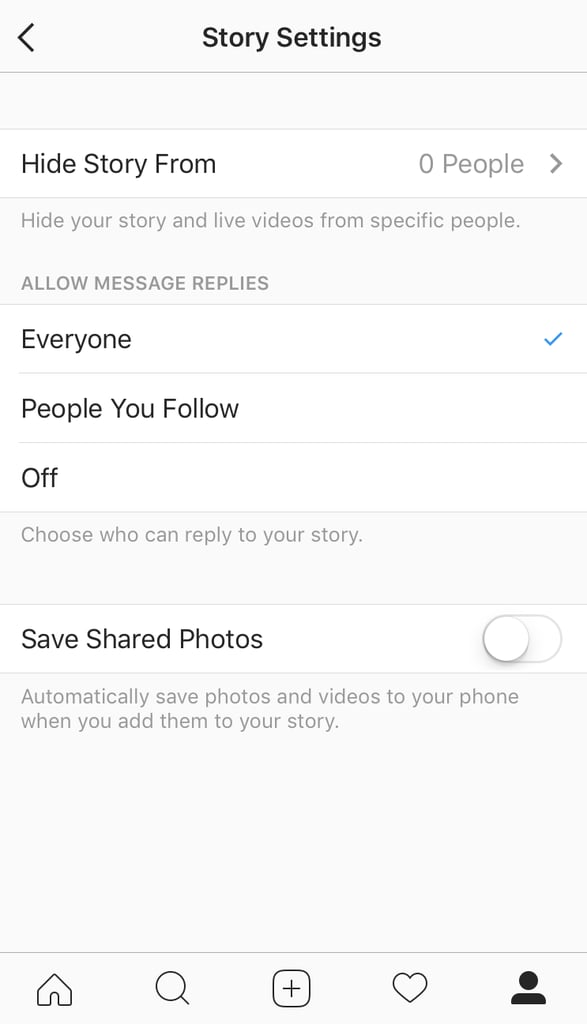
1 Hide your live video from different people.
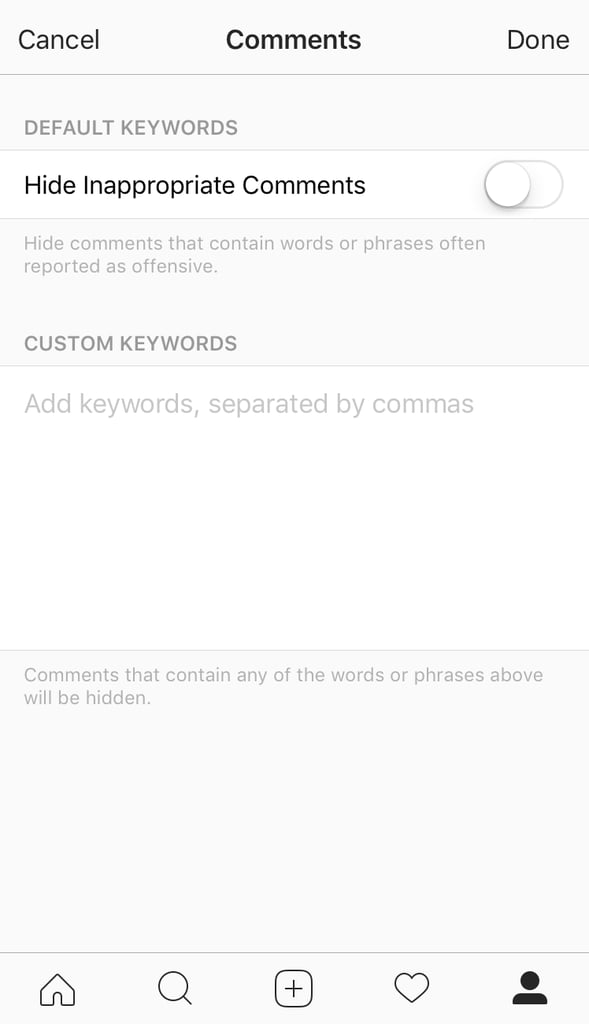
2 Decide which comments make it onto your video.
3 You don't need to be ready the minute you hit the live button.

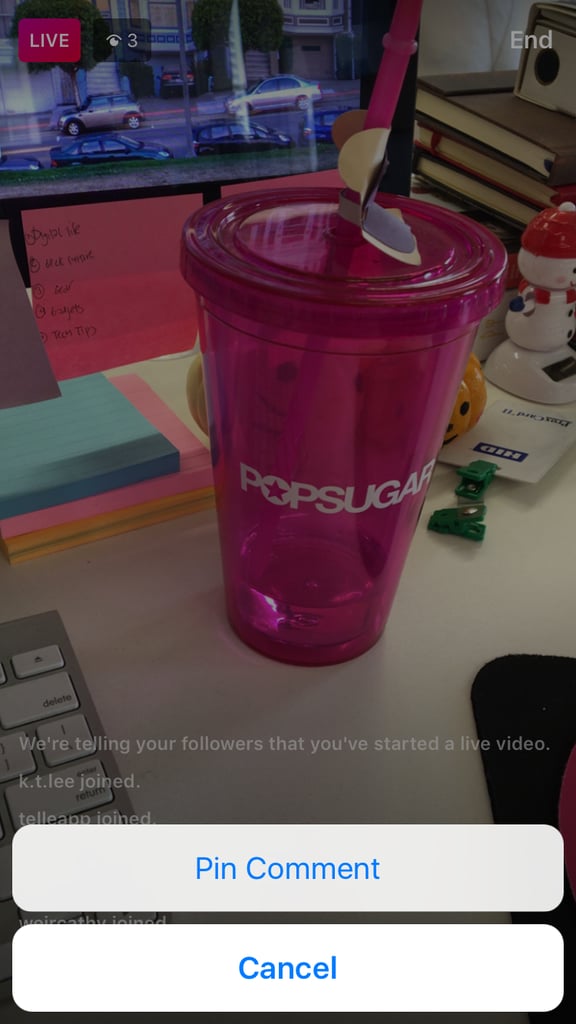
4 Pin comments you love.
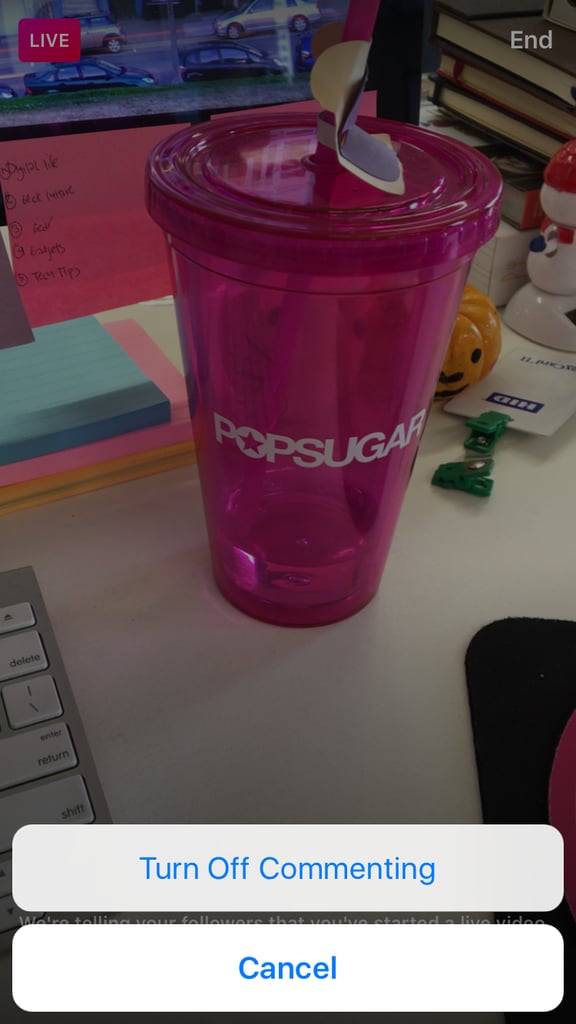
5 Or turn off any commenting on your video.
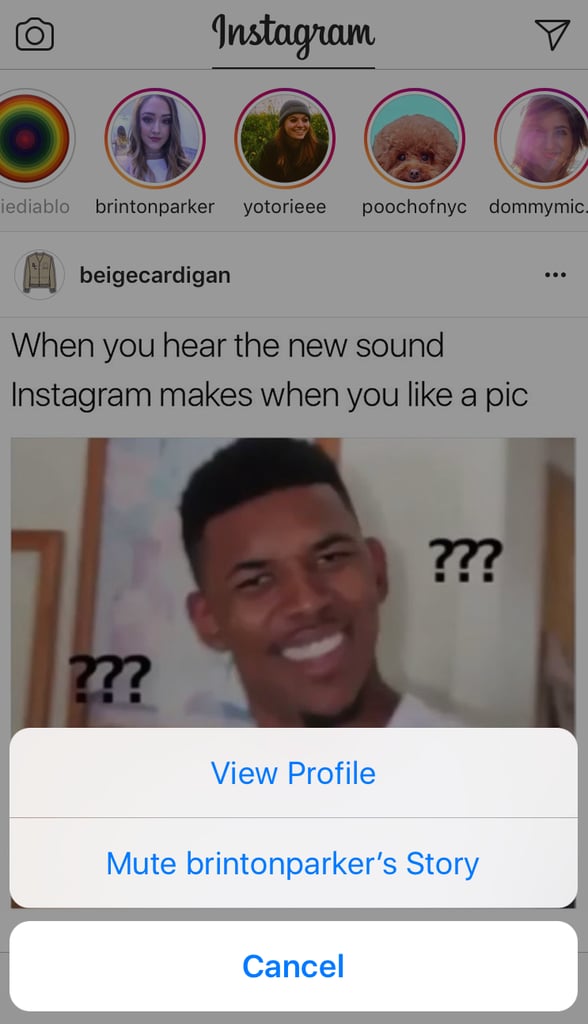
6 Turn off notifications about people going live that you'd rather not watch.
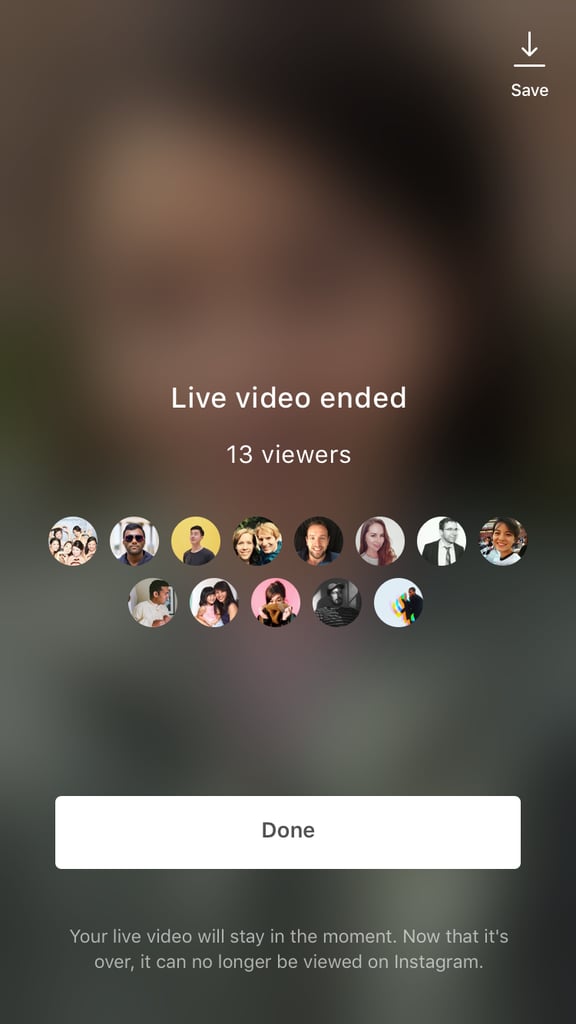
7 Don't forget, whatever you record is only live in the moment.
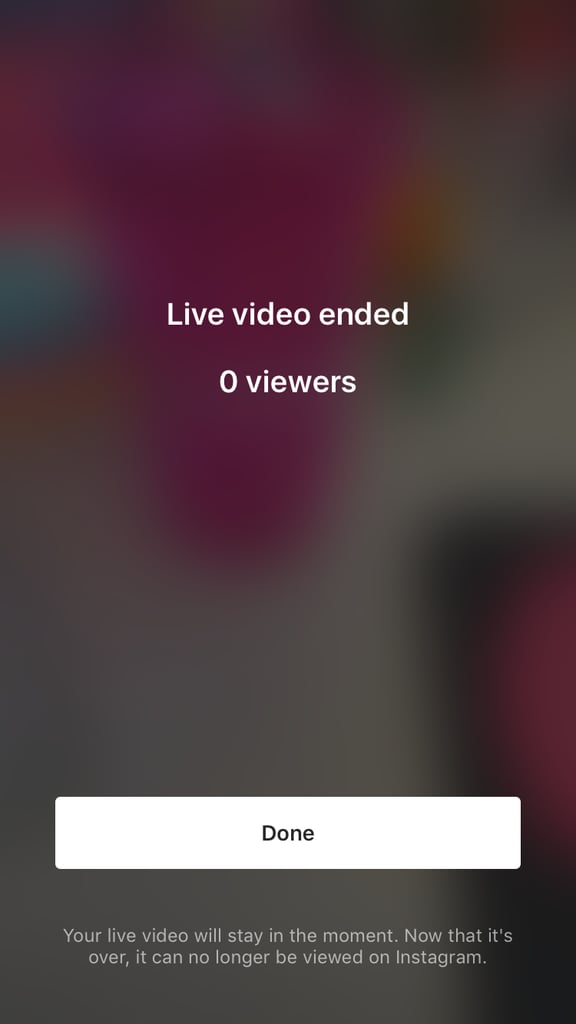
8 Save your live video if you'd like.