7
You May Also Like
From Our Partners
Now You Know
Latest Technology & Gadgets
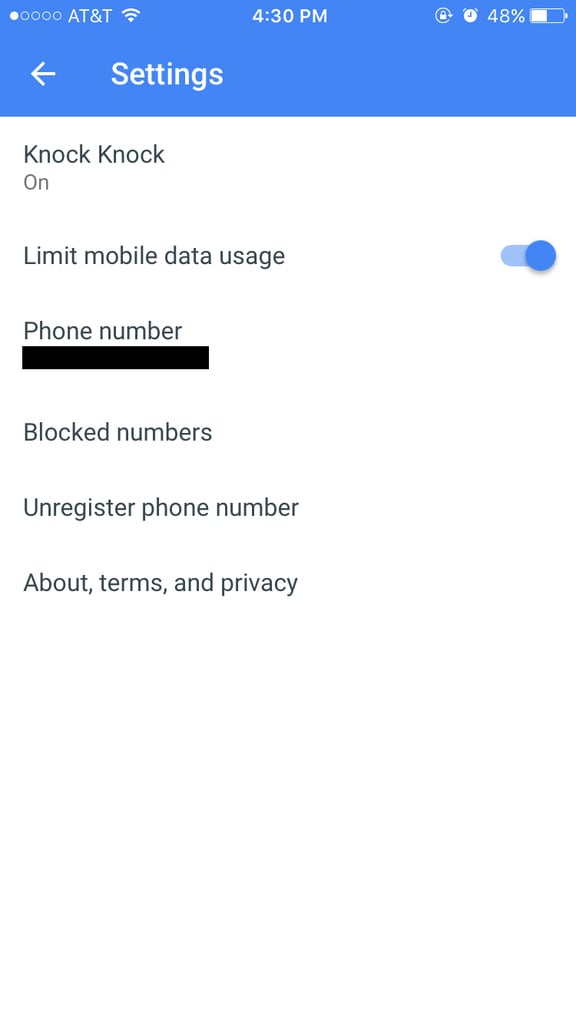
Open the app and tap on the three dots at the top right-hand corner. There, you'll see your settings and mobile data usage, can turn Knock Knock on or off, and can add or see who's on your blocked number list.