17
You May Also Like
From Our Partners
Now You Know
Latest Technology & Gadgets
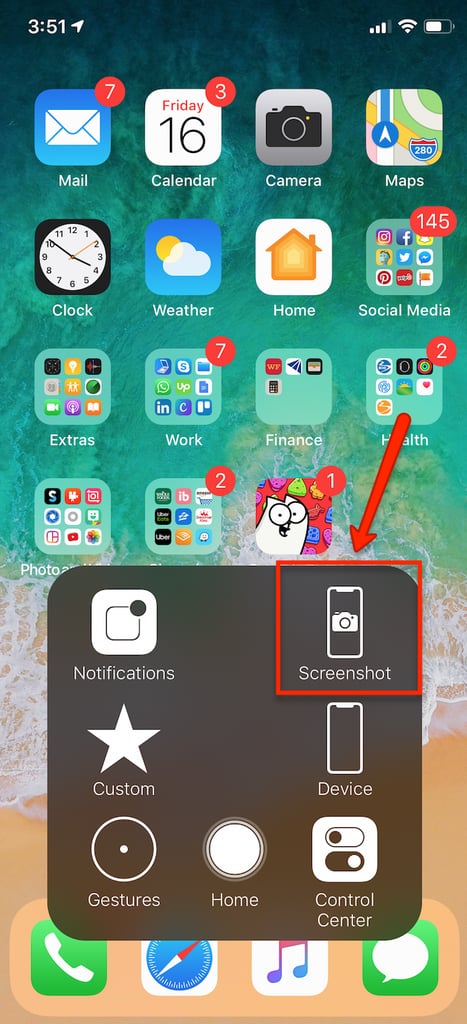
You will see the Screenshot option available when you click the AssistiveTouch icon on your screen. When you press Screenshot, your screen will flash and the screenshot image will appear in the bottom left corner of your screen. The image can be edited, shared, and saved the same way as explained earlier.