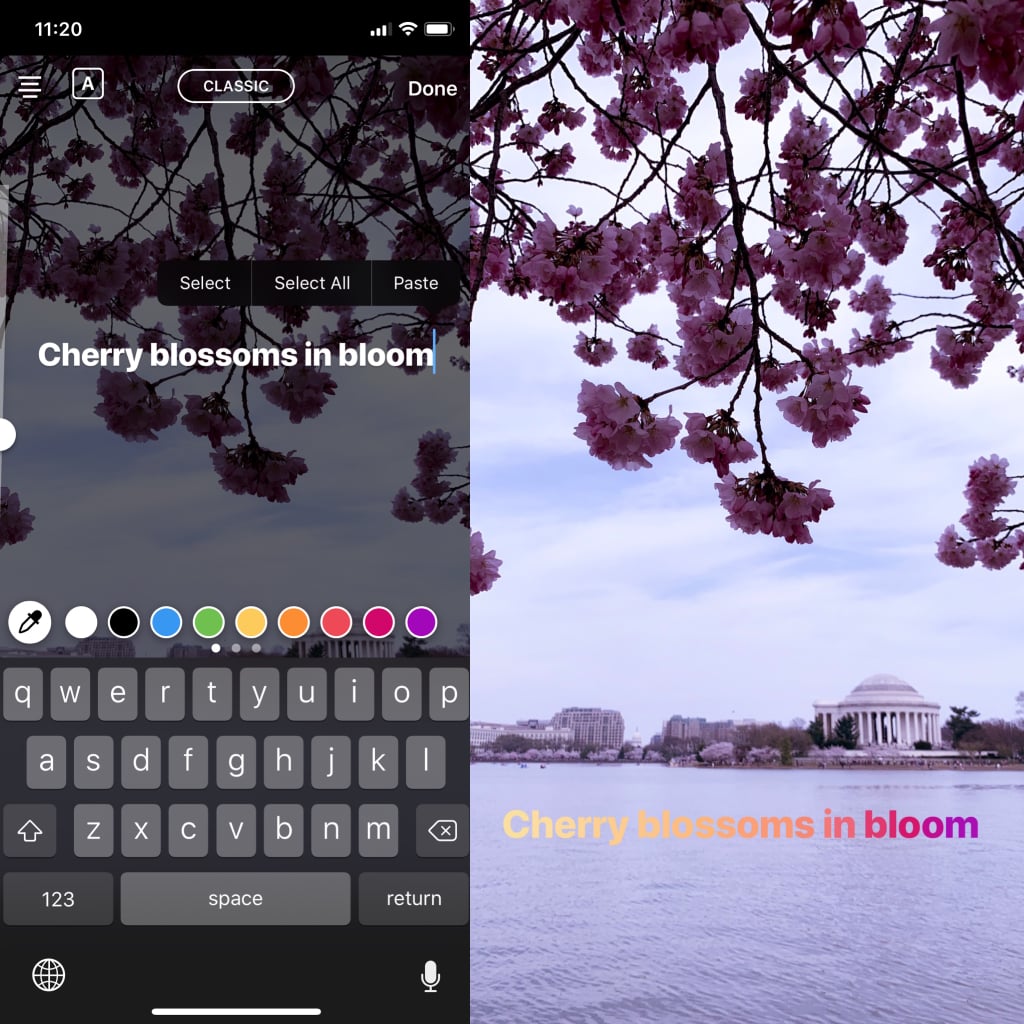
Sometimes, a single hue just doesn't get your point across. Thankfully, a dreamy ombré effect is easy enough to create. First, type your text as you normally would. Next, hit "Select All" to highlight it. In the color picker menu, press and hold on a color of your choice until the gradient menu appears. This next part is a little tricky and takes some practice, but don't get discouraged! With your right thumb, drag your finger to the left across the color gradient, while at the same time, with your left thumb on the text cursor, drag your finger to the left across the line of text. So, you'll be moving one finger across the color gradient and the other finger across the text. You'll notice the text change color as you do.