1
You May Also Like
From Our Partners
Now You Know
Latest Technology & Gadgets
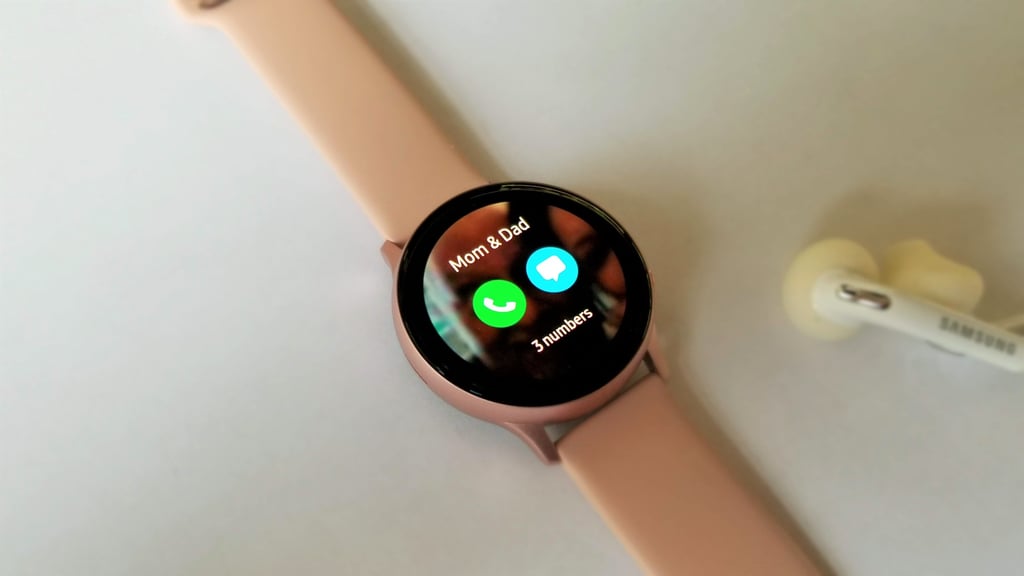
With its built-in speaker and microphone, the Samsung Galaxy Active Watch 2 lets you make and receive phone calls right on your wrist. Once you've paired it with your cell phone and added the Contacts widget to the watch, to make a call, all you need to do is click on the contact you want to talk to and press the phone icon. To receive a call is even easier — when you see and hear the incoming call on your watch, just tap the green phone icon to connect.