3
You May Also Like
From Our Partners
Now You Know
Latest Technology & Gadgets
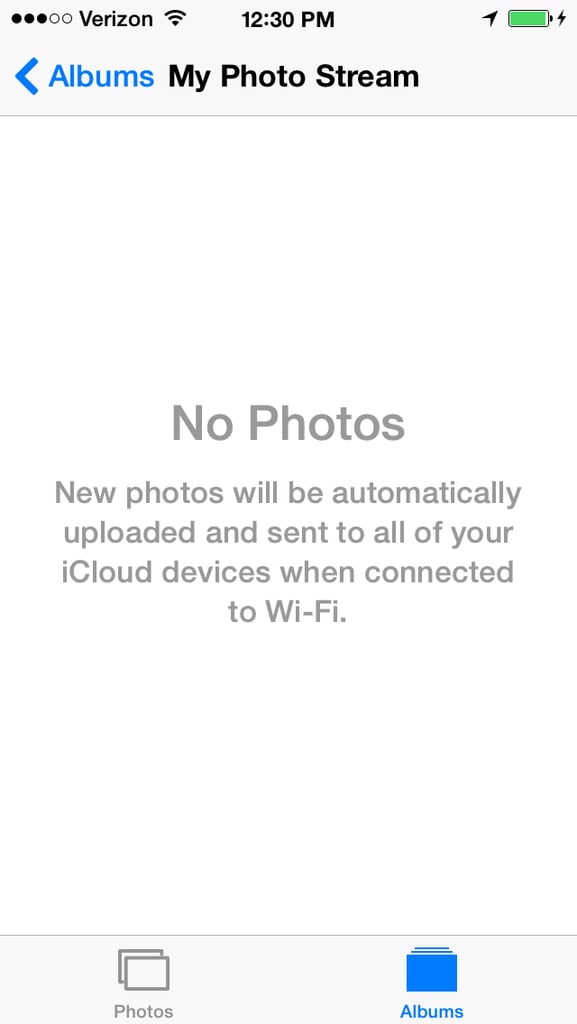
Delete unwanted photos from iCloud by opening the Photos App. Tap Albums then select My Photo Steam (not Camera Roll). Tap Select to tap one or more photos, then tap the trash can and select Delete Photo. Poof! It's gone! For real, this time.