5
You May Also Like
From Our Partners
Now You Know
Latest Technology & Gadgets
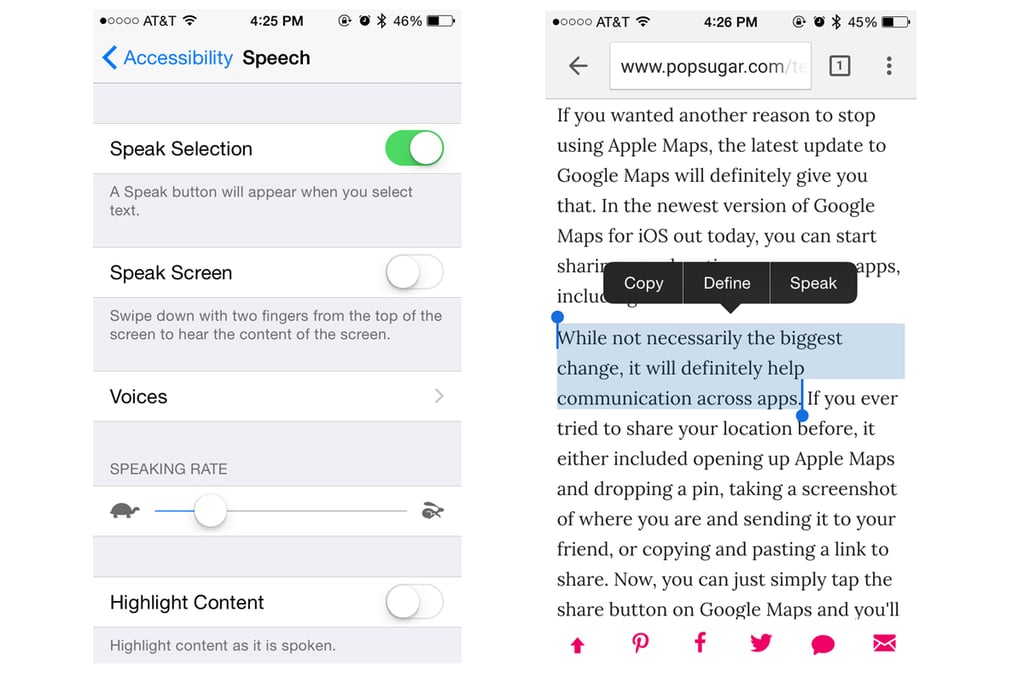
Siri deserves much more credit than she gets, considering she can read out loud. To get Siri to speak chunks of texts, head to Settings > General > Accessibility and, in the vision section, turn on Speak Selection. After it's on, you can highlight a passage and press "speak" to hear Siri read to you. Another option is using "speak screen," which will make Siri read the entirety of your screen once you swipe down on the screen with two fingers.