8
You May Also Like
From Our Partners
Now You Know
Latest Technology & Gadgets
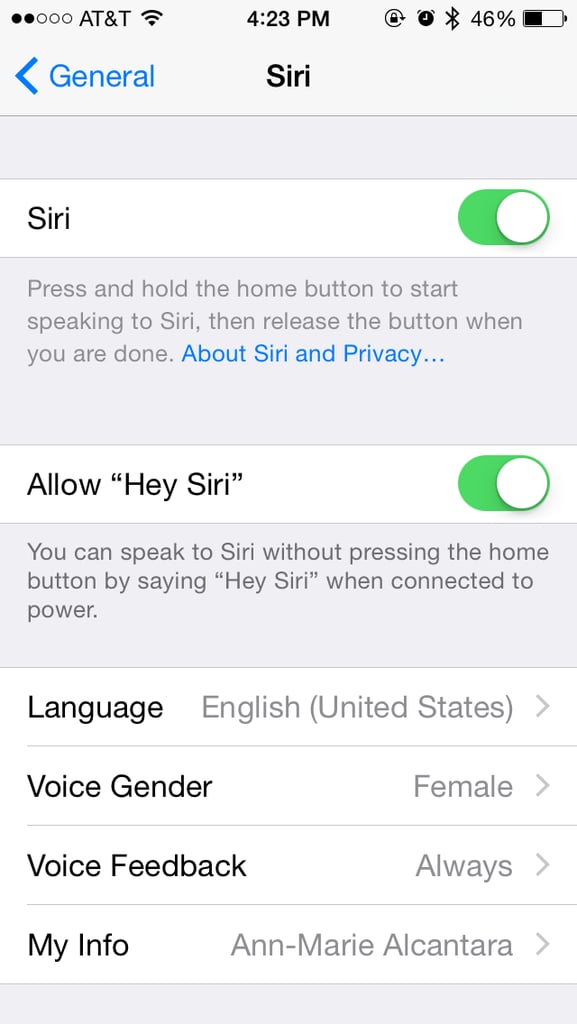
Any newly minted Apple Watch owner will agree that speaking to Siri without having to press anything is awesome — and that feature is also available on the iPhone. Just click on over to the General part of Settings and under Siri, toggle on "Allow 'Hey Siri.'" Then, as long as your phone is charging, you can just say "Hey Siri" and it will respond. If you have the iPhone 6S and beyond, you can use the feature without plugging in.