2
You May Also Like
From Our Partners
Now You Know
Latest Technology & Gadgets
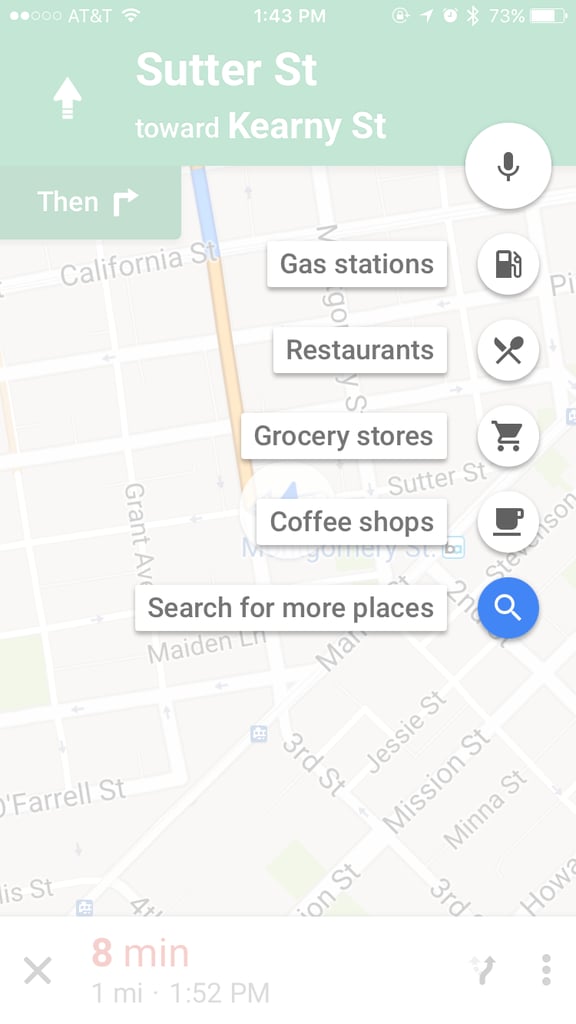
Already going somewhere but need to run an errand like grabbing coffee or getting gas? Just add it to your route! To do this, tap on the magnifying glass on the right corner of Google Maps. There, you can choose from a set of options or look for more. Once you see what you need, tap "add stop" and you’re good to go. Bonus: Google Maps will keep you in navigation mode as you add a pit stop.