1
You May Also Like
From Our Partners
Now You Know
Latest Technology & Gadgets
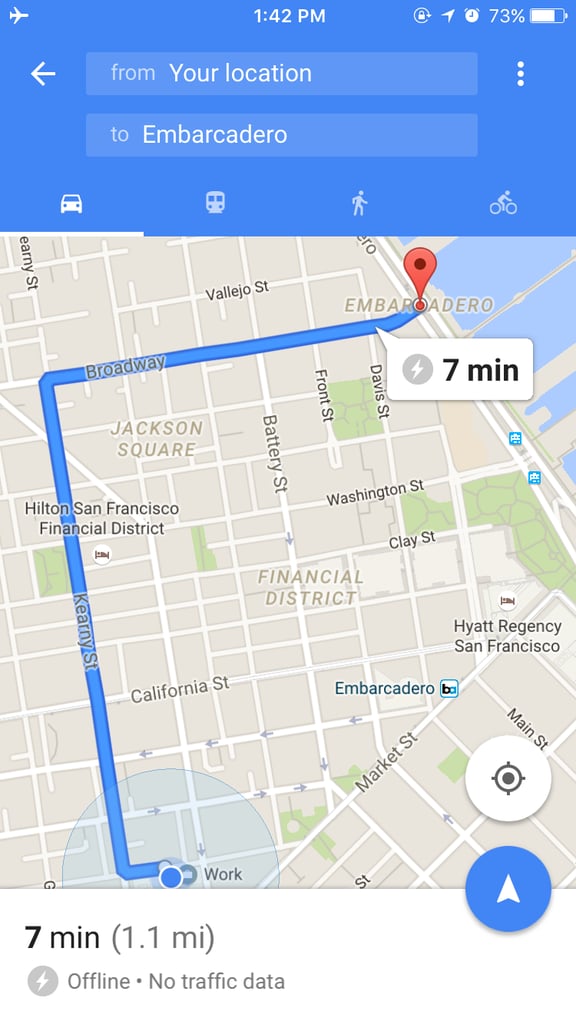
Stop worrying about getting lost and using too much data with offline maps. If you live in an area or are planning to visit a place, you can download the area to your phone and still see driving directions. To do this, just type in the area you want to save. Tap on the bottom portion of your map where it lists the city. There, you should see a download button. Just tap that and it'll start downloading the area.