2
You May Also Like
From Our Partners
Now You Know
Latest Technology & Gadgets
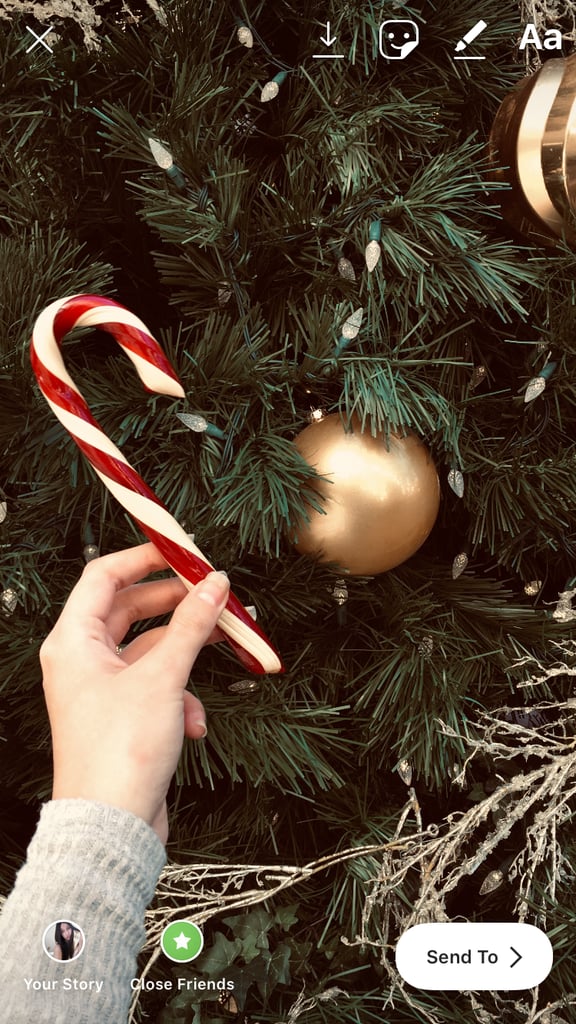
Once you're on the recording page, swipe up. This will bring up your phone's photo gallery. Scroll until you find the live photo you want to show as a Boomerang, and tap it. It'll then show up in the story-editing screen. When you first select it, it'll appear as a still photo, but don't worry! This is how it's supposed to happen.