3
You May Also Like
From Our Partners
Now You Know
Latest Technology & Gadgets
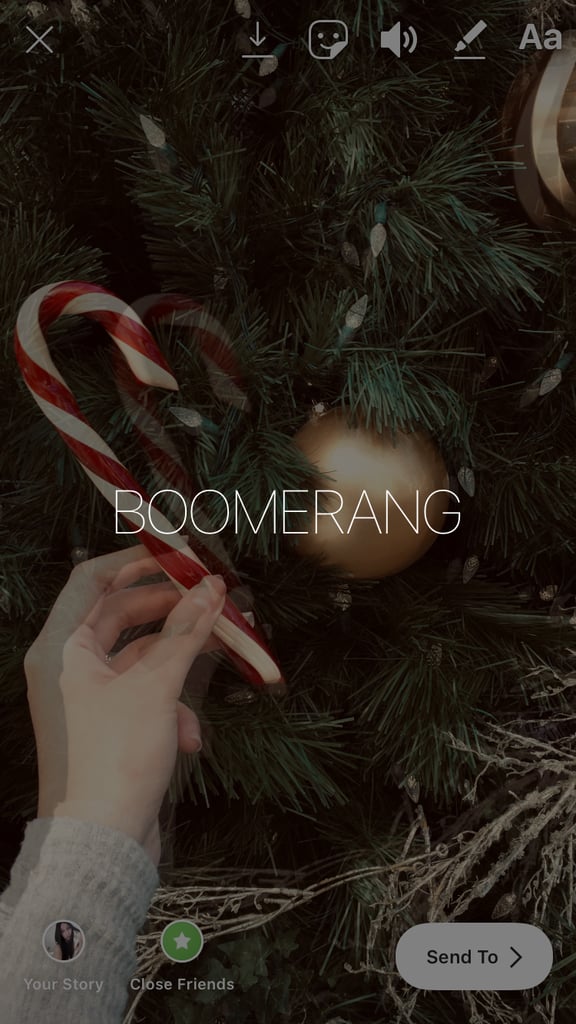
Press and hold a finger to your screen. Don't tap! That will bring up the text tool. After pressing for a couple of seconds, your screen will go dim and your Story will go into Boomerang mode (signaled by "BOOMERANG" popping up on the screen). Once that fades away, your live photo will be a moving Boomerang! Now you can edit your story to your liking — GIFs, music, location tags, whatever strikes your fancy.