2
You May Also Like
From Our Partners
Now You Know
Latest Technology & Gadgets
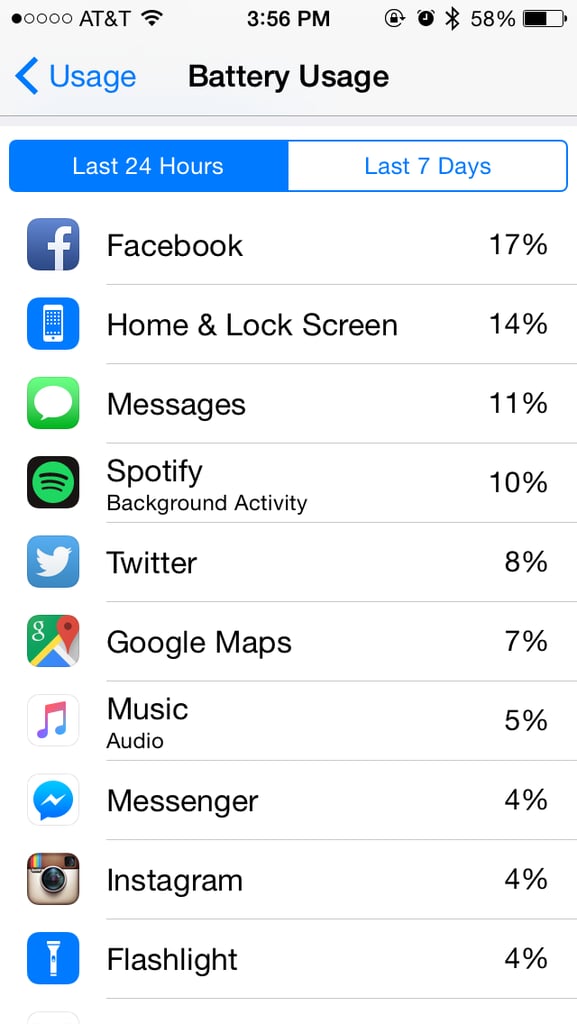
Instead of carrying around an extra charger to extend your battery life, find out which apps are consuming too much power. To get there, go to Settings > Battery. In that section, you'll see just which apps are killing your iPhone's battery, so you can close the app if it's open or delete items like photos and songs. While you're at it, make sure to follow these other tips to save your phone's battery life.