5
You May Also Like
From Our Partners
Now You Know
Latest Technology & Gadgets
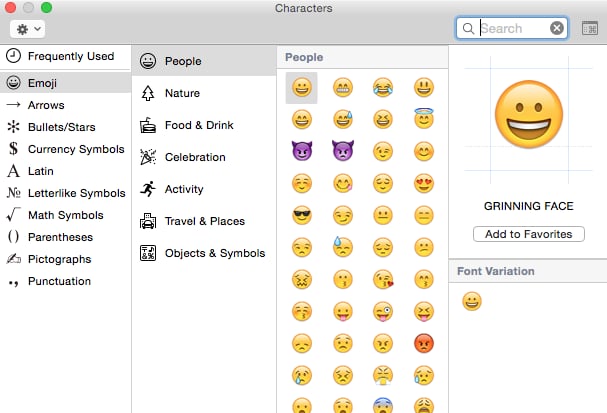
To access this screen, just press command, control, and space at the same time. At first, you'll see the emoji keyboard. To see symbols, press on the tiny keyboard icon at the top right corner. After that, you should see a list of the different types of symbols you can use. To use one, have your doc ready and open. Just click on the symbol and it should appear in your doc. Pretty easy, right?