8
You May Also Like
From Our Partners
Now You Know
Latest Technology & Gadgets
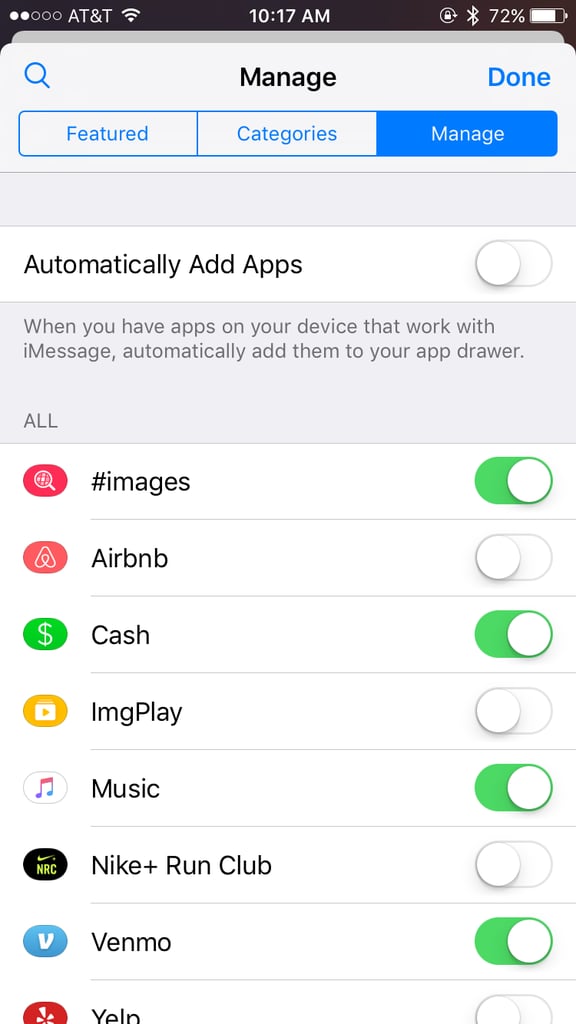
Don't want your iMessage to become a cluster of apps? Turn off the option for apps to be automatically added! Go to iMessage and then tap on the App Store icon. Tap on the four dots in the lower left corner and choose Store. In the manage tab, turn off "Automatically add apps." From now on, you can repeat these steps to add which apps you want to see in your iMessage.