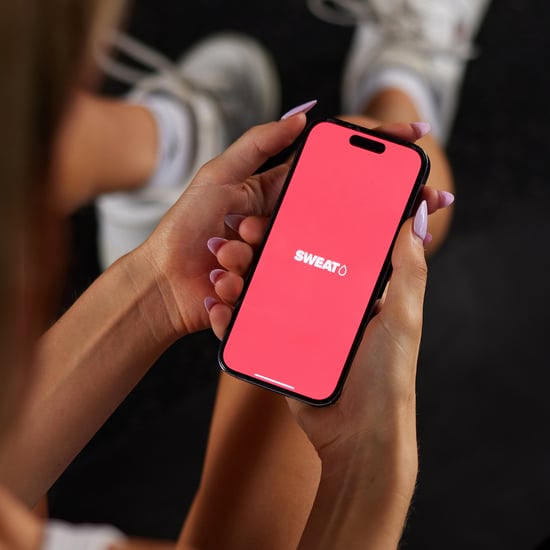
I was surprised how simple it was to use FlexIt. You download it for free (it's currently available for iOS and Android devices), make an account, and set up your payment information. Then, you can search for FlexIt partner gyms in your area by nearest location or lowest rate per minute and head on over to that gym.
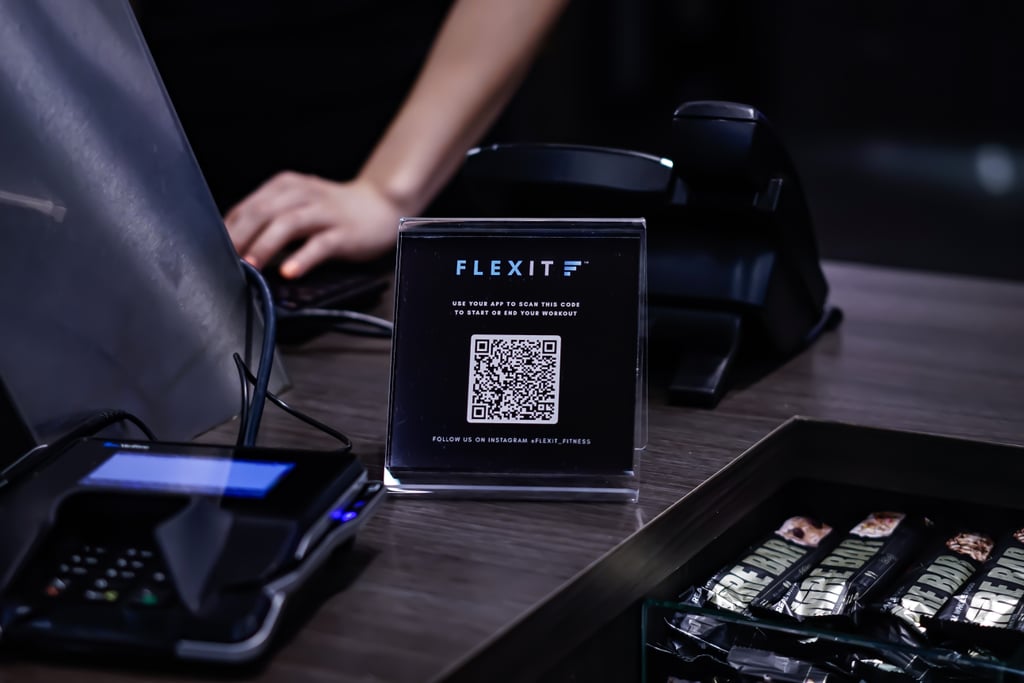
There will be a FlexIt sign at the gym's front desk with a barcode, as seen here. Select the "check in" option from the app's drop-down menu, scan the barcode, and go work out. (This also includes any classes that you don't have to prebook!) Your time starts once the barcode is scanned. Once you leave, make sure to check out by scanning the same barcode.
I asked Austin what would happen if you forgot to check out on the app before leaving, and he said there are a number of safeguards in place in case that happens. First, FlexIt gyms are geofenced, he said, "meaning there is a virtual fence around the gym, beyond the perimeter of which users will get automatically checked out." Second, after an hour of working out, FlexIt users are notified at regular increments asking them whether they're still working out, and if not, they're prompted to end that session. Gym staff can also manually check out users, and you can contact FlexIt support online or through the app, too. FlexIt let me try using the app for free — read on for a look into how my experience went.